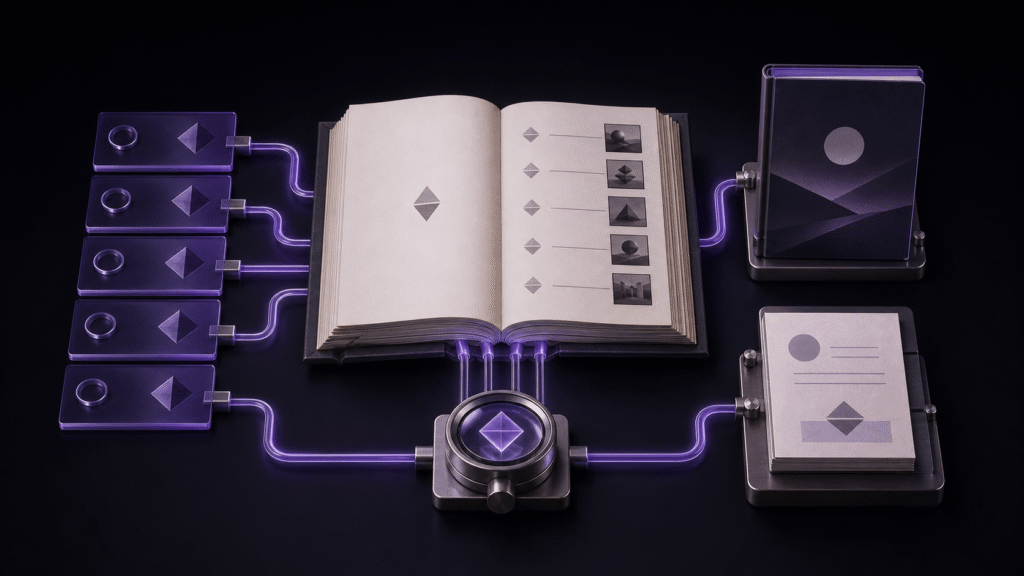
When you create an ebook with images, treat the cover and body figures as different assets from the beginning. A figure supports a passage inside a chapter. A cover identifies the book and is designated in the book settings. Mixing those roles makes a later replacement surprisingly risky. This guide uses a four-chapter booklet, two body figures, and one cover to show a complete, recoverable workflow.
Give every image three identities
Record the source location, alternative text, and role for each image. In the sample, the map is referenced from chapter two as ../images/body-a.png, has the alternative text “Map of the harbor,” and is a body figure. The cover is not inserted into a chapter. It is selected as the volume cover.
The packaged name may differ from the source name. In the resulting EPUB, the map became Images/p002.png, the gallery image became Images/p003.png, and the cover became Images/cover.png. Trace an image by its chapter and role instead of assuming its original filename will survive packaging.
Fix the chapter order before adding artwork
The sample has four chapters: Beginning, Map, Gallery, and Afterword. Put the map in chapter two and the photograph in chapter three. Because the chapter headings become navigation entries, settle their order before adjusting images. That keeps a picture edit from turning into a navigation edit.
Write useful alternative text at the same time as the reference. “Image” or “photo” does not tell a reader what the figure contributes. In the sample output, the two generated image elements retained “Map of the harbor” and “Harbor at dusk.” Check those values in the finished book, not only in the source editor.
Build once with the cover assigned
Choose the cover, then confirm title, author, publisher, language, and writing direction. Select the four chapters in reading order and create the EPUB. The first sample contained four navigation entries and three packaged images, including the cover, with no missing image references. Its package document marked only the cover asset with the cover-image property.
A visible cover does not prove that the figures are present. Open chapters two and three and check the image and alternative text in each. Likewise, two working figures do not prove that the cover has been designated correctly. These are separate checks.
Recover from an image move
In the worked example, the map file was moved from images to images/maps. The chapter still pointed to the old location. A rebuild then reported one missing image. Moving a file is therefore not sufficient evidence that every reference was updated.
To keep the figure-and-cover roles separate, this test moved only the map outside Rune Studio and manually corrected chapter two. The return from one missing asset to three packaged images therefore demonstrates manual recovery after external organization, not the documented automatic path rewrite of an in-app move or rename.
The recovery was to change the chapter reference to ../images/maps/body-a.png and rebuild the same four chapters in the same order. The recovered EPUB again contained three images and reported no missing references. After any move, verify the new file location, the source reference, and the packaged image as one chain.
Replace the cover without disturbing the book
The cover was then changed from candidate A to candidate B. The bytes of the packaged cover changed, while its package name and cover-image role remained intact. The four chapter entries and two body figures were unchanged. That is the advantage of a dedicated cover setting: a cover replacement does not require inserting or removing a chapter image.
Decide completion from one finished file
The useful completion test is concrete: four navigation entries, two body figures, two meaningful alternative texts, one designated cover, and zero missing images in the same EPUB. Source files that merely exist on disk are not enough.
This workflow ends at the finished EPUB. Store upload, pricing, sales-page review, and color differences between reading devices are separate delivery checks. For a dependable image-rich book, stabilize chapter order first, manage figures through source-relative references and alternative text, manage the cover through its dedicated designation, and rebuild after every move or replacement.