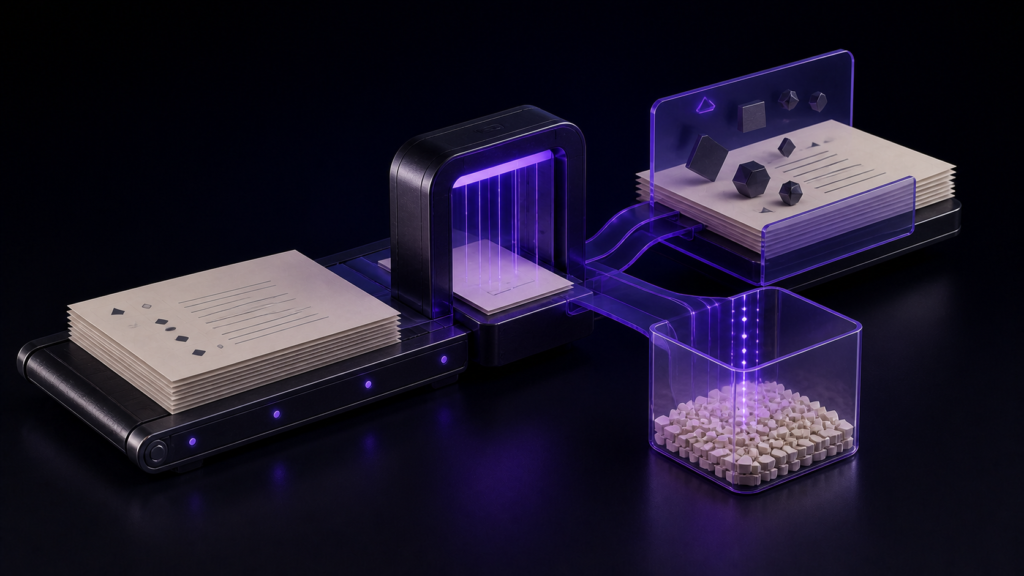
When a Shift_JIS manuscript is converted to UTF-8, decoding the source correctly and selecting UTF-8 as the destination are separate conditions. In rune Studio's product documentation, red marking is defined as identifying text that the currently selected encoding cannot represent. It does not mean that the manuscript contains a bad character.
Read that meaning backwards and you may alter valid text or apply a condition for Shift_JIS to a UTF-8 conversion. This article separates the conversion decision from the documented meaning of red marking. It does not present a completed Shift_JIS-to-UTF-8 save, reopen, and whole-text match.
Separate the source and destination first
The direction considered here is specific: decode Shift_JIS bytes as Shift_JIS and encode the resulting text as UTF-8 bytes. That is a general principle of encoding conversion; red marking does not determine either side. Keeping the source and result separate is what makes a later content comparison possible.
In the verified rune Studio development-build test, a Shift_JIS file was read back and identified as Shift_JIS. Encoding detection is not guaranteed to be correct for every file, so confirm both the reported encoding and whether the text and symbols have decoded correctly.
Encoding as UTF-8 does not reconstruct characters that were decoded incorrectly. It represents correctly decoded text in a different encoding.
Red marking describes the selected destination
The product documentation defines the red background as identifying Unicode text that the currently selected encoding cannot represent. Red under Shift_JIS therefore describes representability in Shift_JIS; by itself it does not mean that conversion to UTF-8 is impossible. The marking describes the combination of text and selected destination, not a defect in the source.
What the completed test established
In the development-build test, inspecting UTF-8 text containing three Japanese name variants against Shift_JIS returned one of them as unrepresentable, with its position. Attempting to save that state as Shift_JIS did not create a file.
That result also shows why appearance is not a test. Two variants passed while one did not. Review the positions and characters returned by the inspection. A count helps define the review scope, but it does not justify a universal time estimate or a cutoff for abandoning conversion.
Three checks for interpreting red marking
First, identify the source side. In the rune Studio test, one Shift_JIS sample was reported as Shift_JIS. That is a result for the tested sample, not a guarantee for every file. Red marking also does not establish that the source was decoded correctly.
Second, identify the currently selected destination. In the product documentation, red marking identifies positions that the selected encoding cannot represent. Red shown with Shift_JIS selected therefore describes the pairing with Shift_JIS. It should not be carried over as a conclusion about UTF-8 conversion.
Third, treat content preservation as a separate question. An absence of red marking and equality of the complete before-and-after text are different conditions. A general content check decodes the source and result under their respective encodings and compares the complete text. Equal search counts cannot exclude a missing occurrence offset by an extra one elsewhere.
The operation record for this article does not contain a completed separate UTF-8 save, UTF-8 reopen, and whole-text match from a Shift_JIS source. These three checks therefore define the limits of what red marking can tell you; they are not a completed rune Studio conversion procedure.
Decisions the red marking cannot make for you
Do not immediately delete a character identified by the marking. First establish which destination encoding the marking describes.
Do not automatically substitute a similar-looking character. Names and place names can change meaning. When the goal is UTF-8, preserving the original character is the default.
Do not treat cleared marking as proof that content was preserved. The marking tests representability in the selected encoding. It does not prove that the source was decoded correctly or that every part of the before-and-after text matches.
Who this suits, and what it does not establish
This interpretation of red marking suits anyone considering how to standardise received Shift_JIS manuscripts to UTF-8 on a Mac: older Japanese files, material containing names and place names, or projects assembled from mixed encodings. It helps avoid unnecessary deletion or substitution.
A file already stored correctly as UTF-8 needs no conversion. The marking also says nothing about store acceptance or rendering on a particular device. The verified scope here is the documented meaning of red marking and the development build's reverse-direction inspection and refused Shift_JIS save.
Summary
- Shift_JIS-to-UTF-8 conversion treats source decoding and UTF-8 output as separate conditions
- Red marking identifies text the currently selected save encoding cannot represent
- Do not misread red under Shift_JIS as proof that conversion to UTF-8 is impossible
- The completed test established a reported position and a refused Shift_JIS save
- Use counts only to scope review, not as time or abandonment thresholds; judge content preservation with a separate whole-text comparison
When red marking appears, first identify the currently selected destination encoding; do not treat it as proof that UTF-8 conversion is impossible. Any tool used for the conversion must separately preserve the source and support verification of the UTF-8 result.
See the current product scope on the Rune Studio product page.