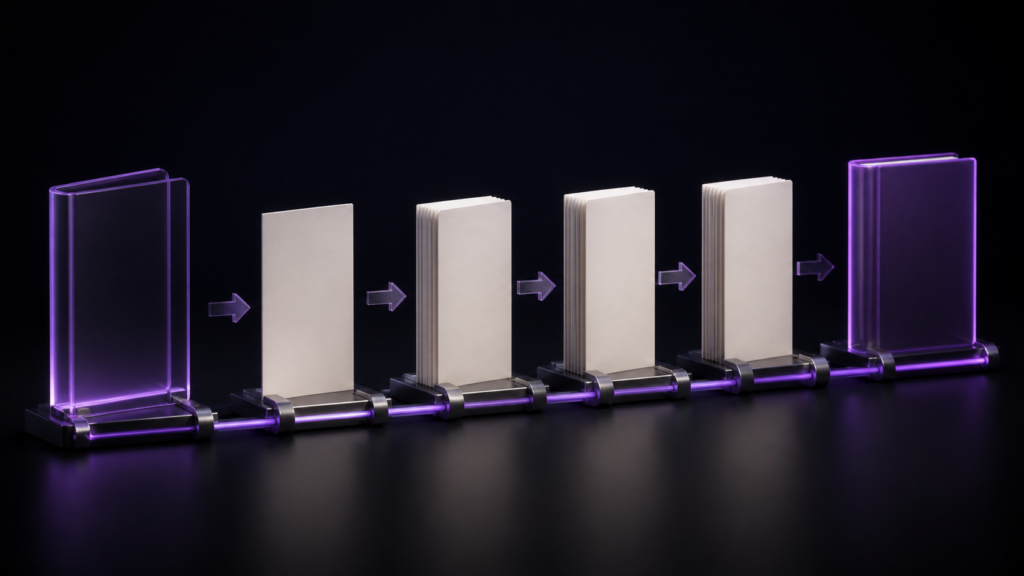
In the tested rune Studio workflow, the title page and the contents page could be moved, while the cover remained first regardless of the position setting. A request such as “show the preface before the contents” or “put a title leaf between stories” is handled through rune Studio's position setting. The cover-first result is a product-specific constraint, not a universal EPUB rule.
This article covers which pages move and which are fixed. Determining chapter order and choosing which chapters appear in the contents are covered separately.
Pages beyond the body chapters
- The cover — an image-only page for the shelf
- The title page — the leaf carrying title and author
- The contents page — the chapter list
- The colophon — publication details
In print, cover, title leaf, contents, body, and colophon form a common sequence. This article does not present that convention as a universal EPUB requirement. In the tested rune Studio workflow, the title-page and contents-page positions can be specified.
When you want to move them
- Show a preface before the contents (contents later)
- In a short-story collection, place a title leaf between pieces
- Reach the body sooner because the contents is long
These are unusual arrangements in print, but eBook readers often decide within the first few pages, which makes the choice meaningful.
Built by hand, the reading order and navigation must agree
An EPUB's default linear reading order is defined by the spine in the package document. When assembling by hand, you list the reading order there and keep the contents links aligned with that structure.
The physical order in which files sit inside the EPUB container does not define the default reading order. The alignment to check is between the spine order and the destinations used by the contents navigation. If only one changes, linear reading and contents-based navigation no longer describe the same structure.
And moving is never once. You try it, decide the old way was better, and move it back. Each time, the same edit.
In rune Studio you specify the positions
rune Studio lets you specify the position of the title page and the contents page.
I verified this by driving the development build from the command line. With three chapters and both positions specified, the order came out as:
chapter one → title page → contents page → chapter two → chapter three
The title and contents landed after chapter one. Unspecified, they sit near the front. Changing the specification changes the order without touching any file.
The cover is always first
Exporting with a cover image added a cover page at the very front of the reading order. It stayed first regardless of the position settings.
That is a constraint, and rarely an inconvenient one — a shelf image in the middle of a book means nothing to a reader.
Watch how the cover path is written
One practical finding: specifying the cover with a short relative path failed as not found; the full path worked. If your cover is not appearing, suspect the path first.
The order can be confirmed before exporting
You can check the resulting order without exporting. Doing so returned the page types and their sequence as a list. That avoids discovering an ordering mistake only after opening the finished file.
The cover is listed as an "empty page"
Inspecting an export with a cover listed the cover page as an empty page, while the verdict stayed valid. An image-only page has no text, which is expected. Being listed is not the same as being wrong.
Deciding whether to move the contents later
With eBooks, what a reader sees first is the shelf image and the first few pages. That is where they decide whether to keep reading.
So what occupies those first pages is not a matter of taste but of what the reader needs to decide. Contents first conveys the shape of the book; a preface first conveys the author's intent. Which suits depends on the book.
One usable rule of thumb: if the chapter titles themselves are interesting, put the contents first; if the titles do not suggest their content, put the preface first. Practical books tend toward the former, essays and fiction toward the latter. Once you decide, export once and actually read your own opening pages.
Who this suits, and who is fine without it
It suits anyone deciding structure by experiment — collections, anthologies, practical books with a preface. Those get reordered more than once.
If the default order is fine, you never touch these settings. Cover, title leaf, contents, body, colophon rarely causes trouble.
Scope note: what was verified is that the order changes as specified. Whether every reading app treats the sequence identically was not tested.
Summary
- In the tested rune Studio workflow, the title and contents positions were configurable while the cover remained first
- Built by hand, each move means keeping the spine reading order and contents links aligned
- rune Studio changes the order from the specification alone, and the order is confirmable before export
- A cover page holds only an image and no text, which is expected rather than a fault
For a first step, write your book's page order on paper and decide where you want the reader to meet the contents. If the default suits you, leave these settings alone.
See the current product scope on the Rune Studio product page.


