When a Mac contains “final,” “final2,” and “revised” manuscript files, moving or deleting first destroys evidence about the source of truth. Inventory location, role, modification date, and references, then classify files as master, reference, hold, or generated output.
This is not an initial folder architecture and not a chapter-reordering workflow. It is a non-destructive recovery of an already scattered project.
Freeze moves and deletions
Set an inventory period during which original files are not renamed, moved, or deleted. Pause drafting so candidates do not continue changing. If work cannot stop, declare one current editable file and treat every other candidate as read-only.
Create an inventory workspace and copy files into it while preserving their original paths in a table. Cloud sync or backup status does not by itself identify the master.
Deletion is not the completion condition. Keep uncertain or duplicate files in a hold area with a recovery period.
Build a four-column inventory
Record location, role, modification date, and references for every file. Roles include manuscript, setting, asset, output, and unknown. Add file size, stable chapter ID, and short searchable markers from the beginning and end.
A content hash can identify byte-for-byte copies, but different hashes do not say which draft is newer in meaning. A recent timestamp also does not prove that the content includes the last approved correction.
For material visible only inside an application library, record an export path or a screenshot of the location. Do not infer the Finder source from a display label.
Classify four roles
The master is the only file that receives the next edit. Choose it by chapter continuation, unresolved markers, references, and the latest session note—not timestamp alone.
References include character sheets, timelines, research notes, and old drafts used for comparison. If a reference contains a decision that belongs in the master, return that decision before classifying it.
Hold contains files whose role or recency cannot yet be decided. Add the deciding question and review date. Generated output includes EPUB, PDF, and preview HTML that can be rebuilt. Do not use an output as the next editing source merely because it looks complete.
Compare duplicate candidates
For two candidates of the same chapter, compare beginning, middle, and ending. Inspect character count, headings, distinctive corrected phrases, unresolved markers, and the final continuation.
Classify differences as A-only, B-only, or shared. If one has new prose and the other has an important proofread correction, do not overwrite either. Merge changes one at a time into a copy of the chosen master and record source and reason.
Even byte-identical copies should move to hold before deletion. Preserve original path, proposed hold path, and recovery deadline.
Search broken references
After selecting a master candidate, search the project for old filenames, old headings, image names, and reference-document names. Record both the referring and referred file and test the relationship from the proposed project root.
Open relative links after copying. Zero results for a filename do not prove no reference exists; prose descriptions and application settings may point to the same item without naming it.
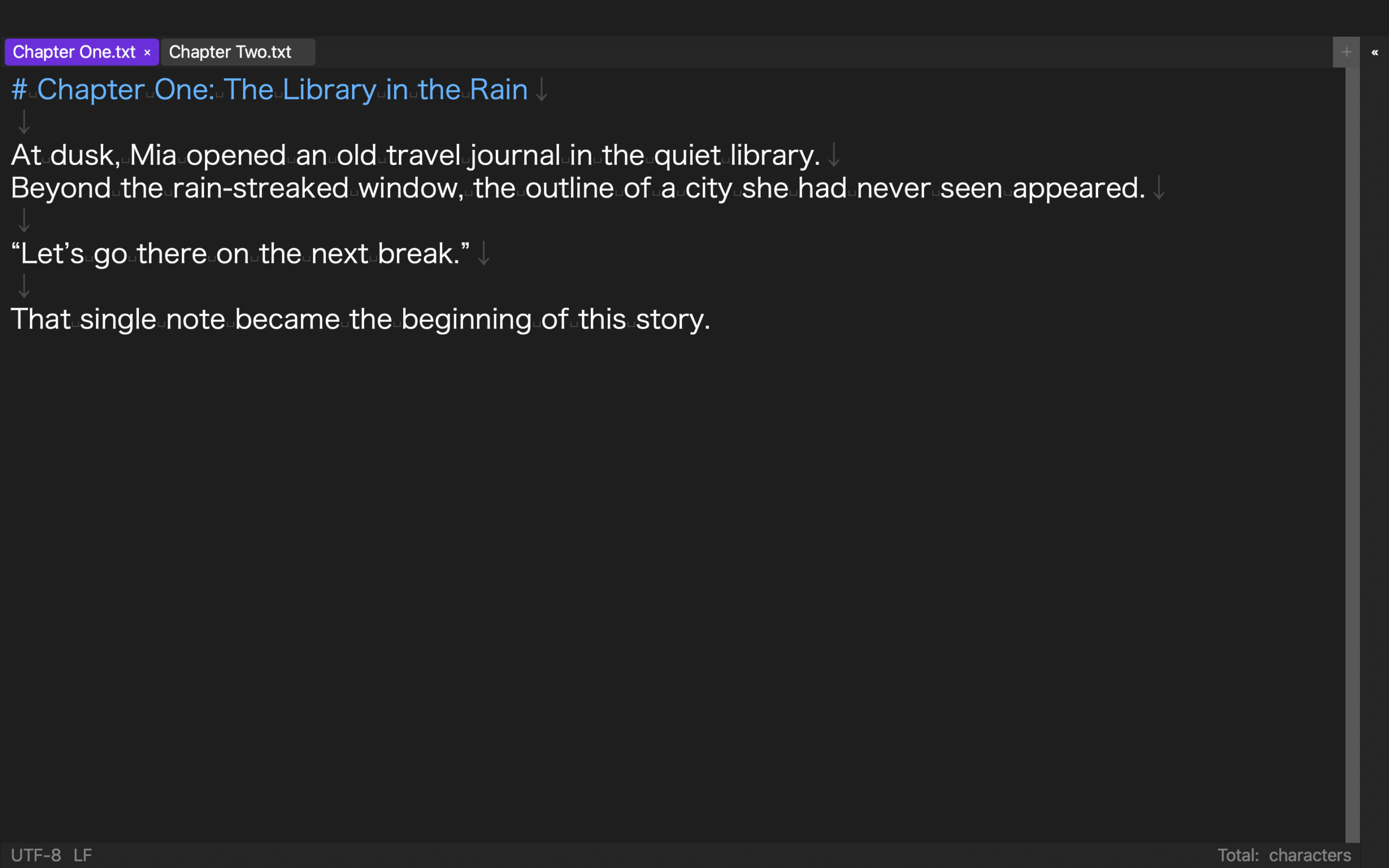
Existing rune Studio records created a folder-based workspace with a Finder-visible folder and separately completed search, save, and search-again on a large manuscript. An existing interface capture shows Chapter One and Chapter Two open as tabs in the same workspace. These facts do not verify automatic duplicate detection, automatic organization, Finder usability, sync, or backup, and the image does not identify the master’s Finder location.
Resume once from the new root
The following is a reader-run acceptance procedure. No level-4 rune Studio record completes the whole sequence from opening only the new root through reference, image, and separately named output checks. Do not combine earlier workspace creation and search-save-search records into a claim that this article-specific migration test already passed.
Copy the selected master, references, and assets into their planned positions. Separate generated output and hold. Keep the original folder intact while opening only the new root as the workspace.
Add a harmless searchable marker to one chapter, save, close, reopen, and search again. Open one reference and one image. Create a separately named test output and confirm that its chapter order and body came from the selected master.
Record the current master path and restart date. Deleting originals or hold files is a separate approved task, not part of this inventory.
Create one explainable restart point
To organize manuscripts and references on Mac, freeze destructive changes and inventory location, role, modification date, and references. Classify master, reference, hold, and generated output, and compare duplicate candidates before quarantine.
In the reader’s acceptance test, treat the work as complete when save, restart, search-again, reference checks, and a separately named test export succeed from one new project root. Reducing file count matters less than explaining the one master that receives the next edit.
Keep the inventory for at least one complete writing session. During that session, record every time you must return to an original or hold file. A return means that the new root is missing a decision, asset, or reference and is not yet self-contained. Copy only the required item through a documented ticket, repeat the affected search or export, and extend the hold period. When no undocumented return occurs, freeze the inventory as the migration record.
For shared projects, ask each contributor to confirm the master path before resuming edits. One person reopening an old synchronized copy can recreate the same uncertainty the cleanup was meant to remove.