
A horizontal practical eBook must preserve relationships, not just words. A figure must remain beside the sentence that explains it, a table must keep headers connected to values, and the cover and navigation must survive revision. A four-chapter sample with figures and a table exposes those risks better than a plain-text demonstration.
Define the four-chapter book
Use a home-gardening guide. Chapter one introduces the project. Chapter two contains two photographs with separate explanatory sentences. Chapter three contains a table with Date, Task, and Result columns. Chapter four summarizes the method. Add an approved cover, title, author, and four-entry navigation.
Create a material map that names every chapter file, image file, reference sentence, table header, and navigation label. Avoid vague image names. The map must make it obvious which photograph belongs to which sentence after a rebuild.
Prepare horizontal text for flexible width
Write paragraphs and lists for left-to-right reading without aligning text with repeated spaces. Resize the editing or preview window and confirm that sentences wrap without creating misleading paragraph breaks. Manual line breaks inserted only to beautify one screen often become awkward on a narrower reader.
If paragraphs break incorrectly, return to the manuscript. If heading hierarchy is unclear, return to the structure. Do not use spaces inside the generated EPUB as the master repair.
Accept each figure as a meaning pair
Read the explanatory sentence and inspect the following figure. Confirm the correct asset, aspect ratio, containment at narrow width, and alternative description. The alternative text should identify the subject, not repeat a cryptic filename.
If the two photographs swap positions, return to the material map or asset references. If one overflows only at narrow width, return to image sizing or layout. If one reader alone shows a different cached image, test another environment before replacing a correct source.
Test whether the table remains understandable
At wide width, verify that Date, Task, and Result align with the intended values. At narrow width, determine whether readers can still follow each value back to its header. If the text becomes unusably small or requires uncontrolled horizontal scrolling, revise the table structure or present the information as labeled records.
Turning the table into a screenshot fixes appearance but removes useful text behavior such as search, selection, and scalable rendering. Make that tradeoff only when the content requires it and preserve an accessible explanation.
Verify cover and navigation before body inspection ends
Open the book from the cover, visit all four navigation entries, and compare the destination opening sentences with the material map. Check that the bookshelf or library cover, when available, and the cover inside the book use the intended asset. Confirm title and author metadata.
Wrong navigation returns to chapter mapping. An old cover returns to asset selection or, when limited to one reader, cache investigation. Neither defect should be repaired by changing horizontal body text.
Rebuild after one controlled edit
Correct one word in the sentence introducing the second photograph. Keep the first accepted EPUB and generate a second version. Declare the expected difference: one word, with no change to photograph order, alternative descriptions, table values, navigation, cover, or metadata.
Inspect the edited sentence and figure, then open chapter three as an untouched control. Compare the table at the same widths used before. A successful text correction does not excuse an image loss or table distortion elsewhere.
Keep this workflow distinct from chapter-order testing
Another horizontal eBook workflow may focus primarily on chapter sequence and broken image references. This guide instead treats a practical book's figures and table as semantic structures under flexible screen widths. Both verify rebuilds, but their core acceptance promises differ.
Record application version, reader, and window conditions when visual results differ. An environmental variation should be reproducible before it triggers a source rewrite.
Use Rune Studio within its documented boundary
Current Rune Studio documentation describes horizontal writing, left-opening books, navigation, cover handling, images, EPUB 3 generation, and active-manuscript preview. These capabilities support the planned workflow. They do not prove that this gardening guide has passed, and they do not guarantee identical rendering in every reader.
Use a duplicate of the project and record observed results. Keep untested behaviors labeled as untested rather than translating a published feature into a claimed success.
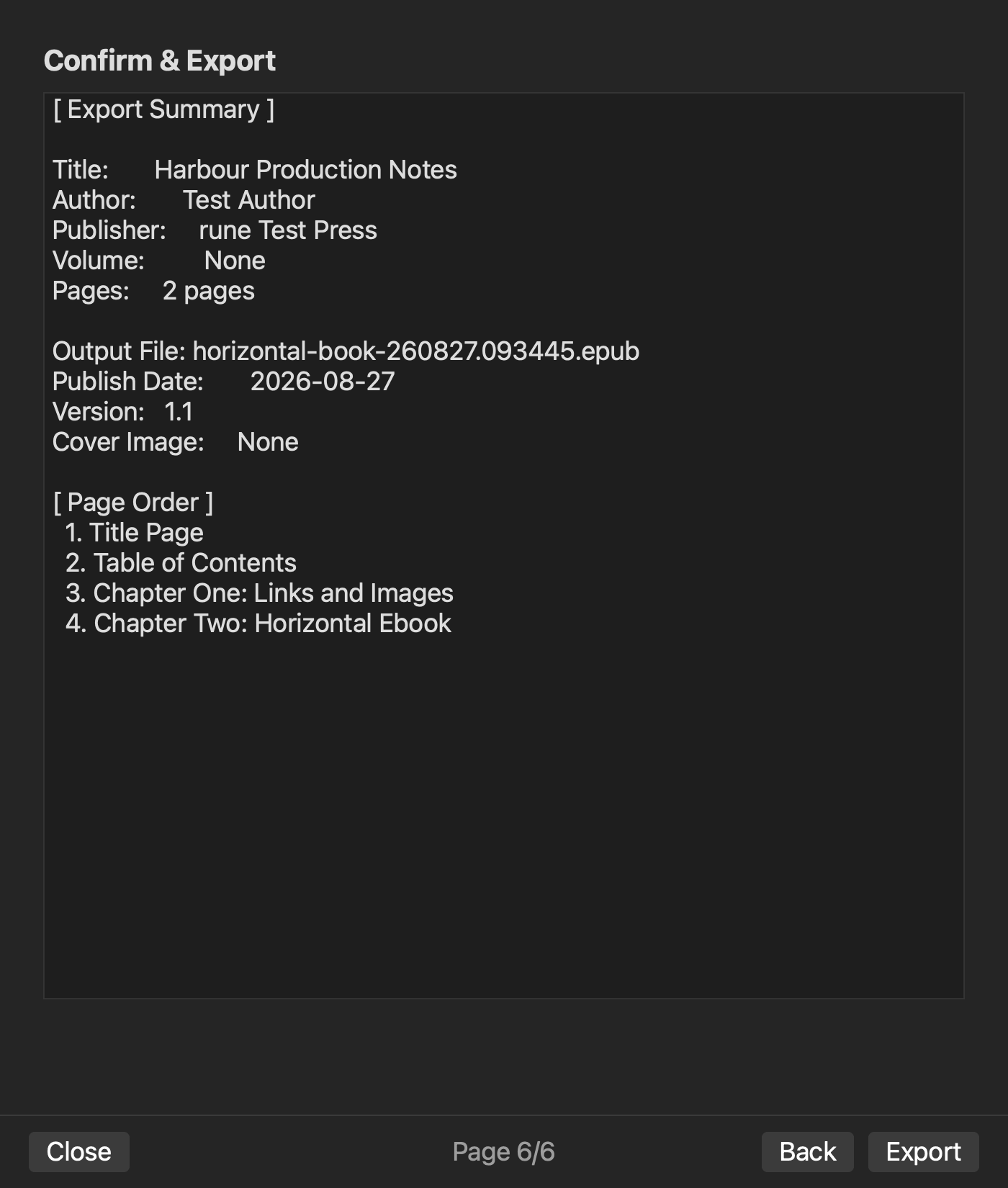
Archive the accepted relationship map
Store the four chapters, two images, table source, cover, metadata, accepted EPUB, and material map under one version. The next rebuild should begin with the map and a written expected difference. This prevents figures and tables from becoming anonymous attachments.
Start by writing the two image-reference pairs and the three table headers before exporting. Those relationships are the heart of the horizontal practical book. See the current product scope on the Rune Studio product page.