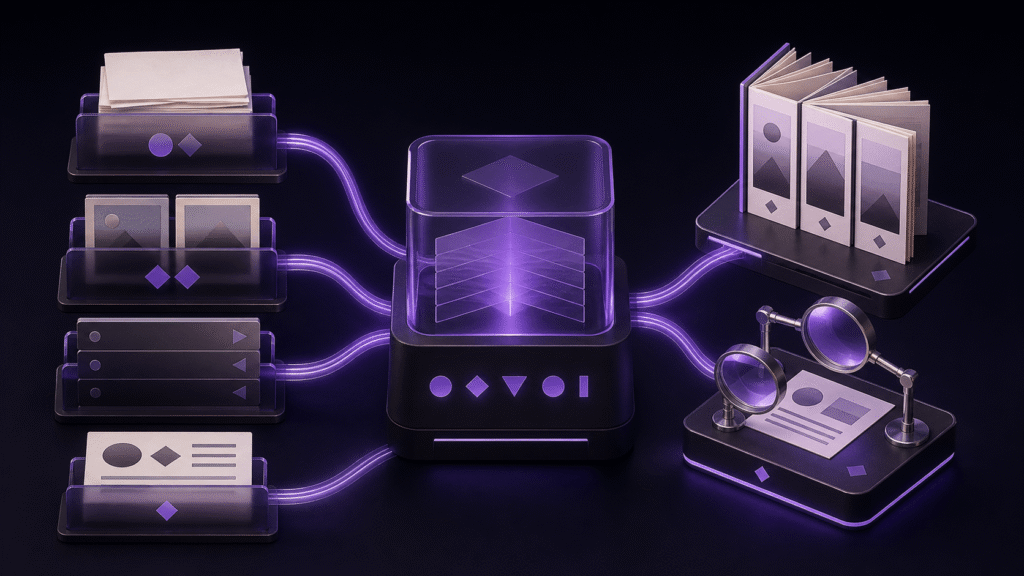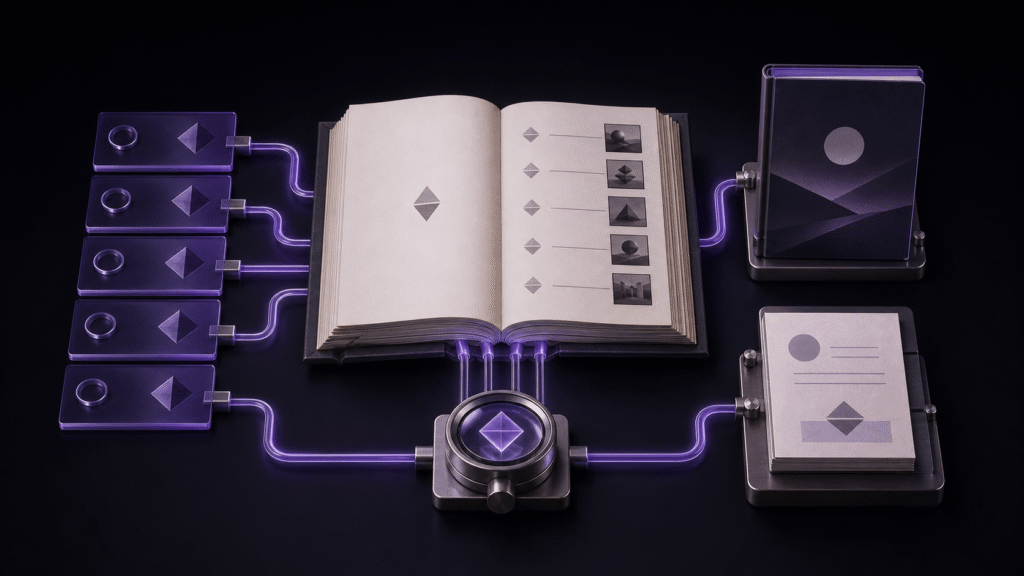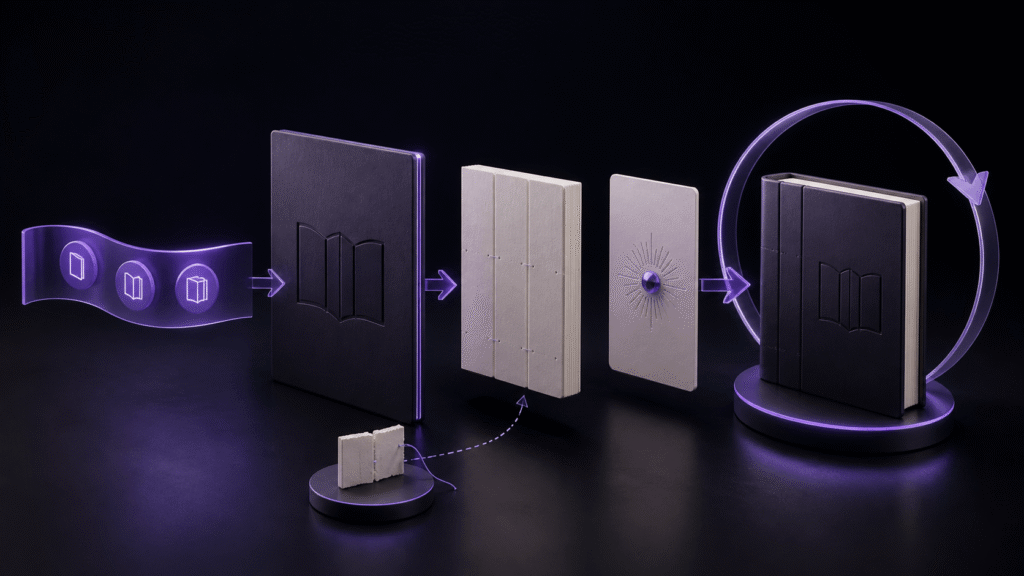
Navigation, cover, and colophon should be treated as versioned book inputs, not decorations added after the manuscript is finished. A dependable creation workflow prepares all three beside the chapters, verifies them through movement and comparison, then proves that they survive a one-change rebuild.
Prepare one complete set of book materials
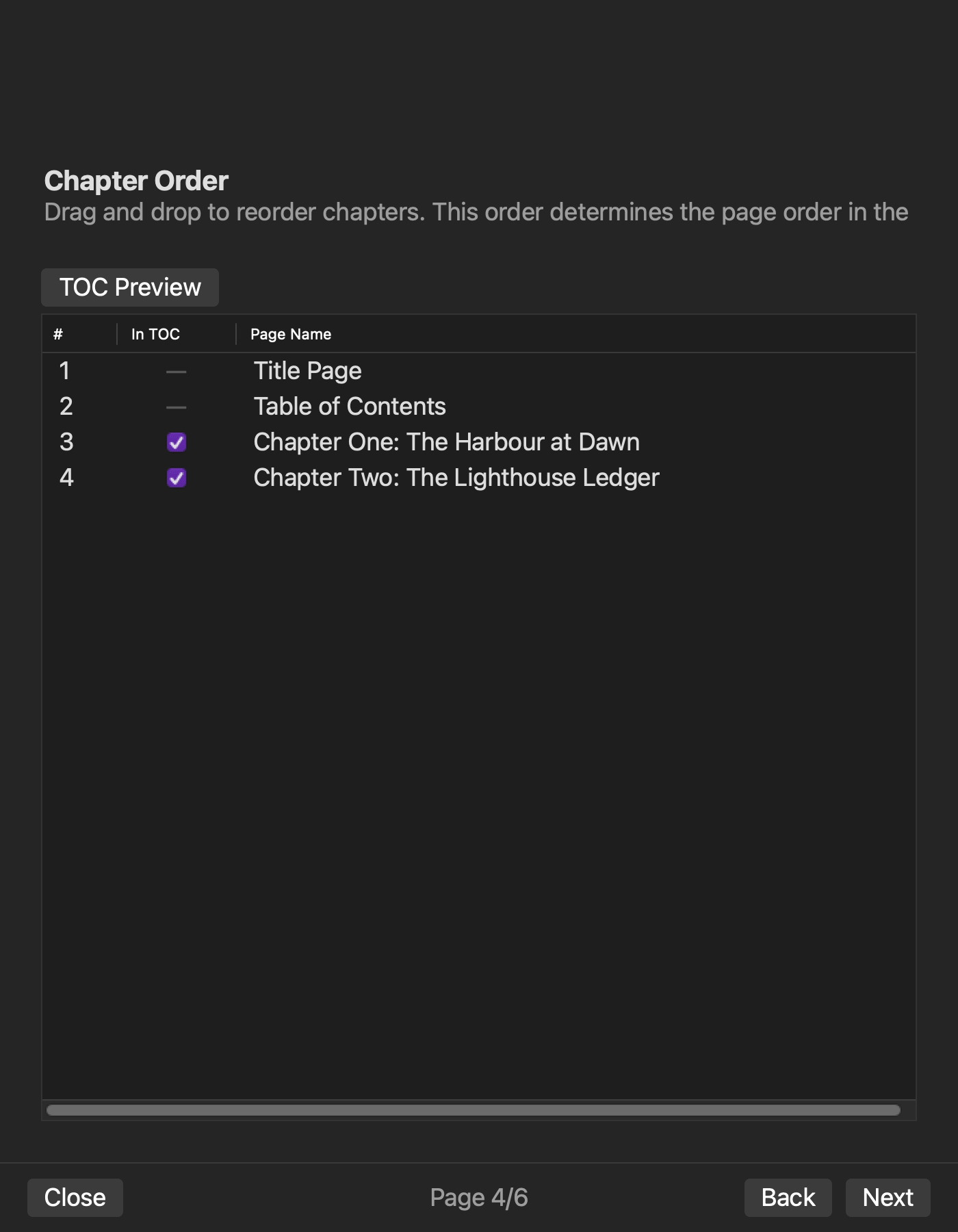
Use a four-chapter practical guide. Gather eight artifacts: four chapter files, an explicit chapter-order note, one approved cover image, a metadata note, and an approved colophon source. The colophon should contain the title, author, edition date, and only the publisher or contact information intended for publication.
Do not type the colophon from memory in an export dialog. Do not keep the final cover under the same ambiguous filename as a draft. Give every input a version or date and state which set belongs to the build.
Make navigation verifiable by destination
Create four navigation labels and connect each to the corresponding chapter. Record the opening sentence of each chapter. During inspection, click every label and compare the destination sentence. A list that looks correct but reaches the wrong section has failed.
If the labels and chapter order are both wrong, repair the source order first. If only one destination is wrong, repair that navigation mapping. Renaming prose merely to make a broken link appear plausible damages the manuscript without fixing structure.
Verify the cover in three contexts
Compare the approved source image with the bookshelf thumbnail, if the reader provides one, and with the opening cover view inside the book. Confirm that any title printed into the image agrees with package metadata. Record the asset filename used for the build.
If an old thumbnail appears, open the new EPUB in a second environment before replacing a correct source. A cache difference and a stale build input require different repairs. If the inside cover itself is old, return to the selected asset and rebuild.
Keep the colophon tied to approved metadata
Compare title and author in the colophon with the metadata note. Check the edition date and contact line character by character. Remove placeholder addresses and fields the project does not intend to publish. Treat capitalization and punctuation differences as decisions, not harmless noise.
The colophon belongs in a source file or reproducible field set. Editing only the generated EPUB creates a correction that will disappear at the next build.
Inspect the first complete build by moving through it
Open the cover, move to navigation, visit chapters two and four, continue from the final chapter to the colophon, and return to navigation. Compare chapter destinations, cover identity, and all four colophon values with their approved sources.
Record the movement, not just a pass mark. A useful entry names the label clicked and the sentence reached. This makes a later rebuild comparable even when chapter titles are similar.
Change one word and rebuild the whole book
Correct one word in chapter two and create a new EPUB without overwriting the accepted first build. State the expected difference before inspection: one word in chapter two, with no change to four navigation entries, the cover, colophon, metadata, or reading order.
Verify the correction, then repeat the representative movements. If navigation disappears, return to its generation source. If the cover reverts, return to the asset selection. If the colophon date reverts, return to the approved colophon input. Do not re-enter all elements blindly; use the symptom to select the return point.
Distinguish creation from software selection
This workflow completes one reproducible book. A software-selection exercise asks whether multiple candidates can pass fixed gates with the same sample. Here the chosen environment must maintain the materials and accepted result over editorial revision. Repairing individual package or navigation files is another separate activity.
The second build is therefore essential. It shows whether the project can be revised without silently losing non-body content.
Use Rune Studio within published scope
Current Rune Studio documentation describes chapter ordering, navigation, cover, colophon, metadata, EPUB 3 generation, and active-manuscript preview. Those capabilities correspond to the workflow above. They are not evidence that this four-chapter guide has been run successfully, and they do not guarantee identical thumbnails in every reader.
Test a duplicate on the current application version and preserve the environment details. Describe unperformed operations as planned checks or documented capabilities, never as successful results.
Store a reproducible book package
Archive the four chapters, order note, cover source, metadata, colophon source, accepted EPUB, and inspection record under one version. When the next correction arrives, start with that set and declare the expected difference again.
Begin by writing the four navigation destinations and the four colophon values before generating anything. This turns missing content into a visible mismatch instead of a late surprise. See the current feature scope on the Rune Studio product page.