
Japanese input quality on a Mac is not only the first conversion. After committing text, you repeatedly select a name, okurigana, Latin string, punctuation mark, or full-width character, replace it, and recover if the range was wrong. Measure that full correction cycle instead of grading one selection in isolation.
This is separate from a twelve-fixture purchase test of character-class boundaries. Here you work in a manuscript copy after choosing an editor and measure twenty complete corrections through save and search-again verification.
Prepare five categories of errors
Place four safe test errors in each category: proper-name conversion, kanji plus okurigana, Japanese next to Latin letters or digits, punctuation and brackets, and full-width versus half-width forms.
Keep an answer sheet with location and intended replacement. Order the twenty cards by frequency in your work. Create a second equivalent copy with different positions so that memory does not solve the next-day run.
Begin every card after IME conversion has been committed. Composition-segment behavior is a separate question. A common starting state lets you measure editor selection and correction rather than differences in the input method.
Run the complete correction cycle
Use the same sequence for each card:
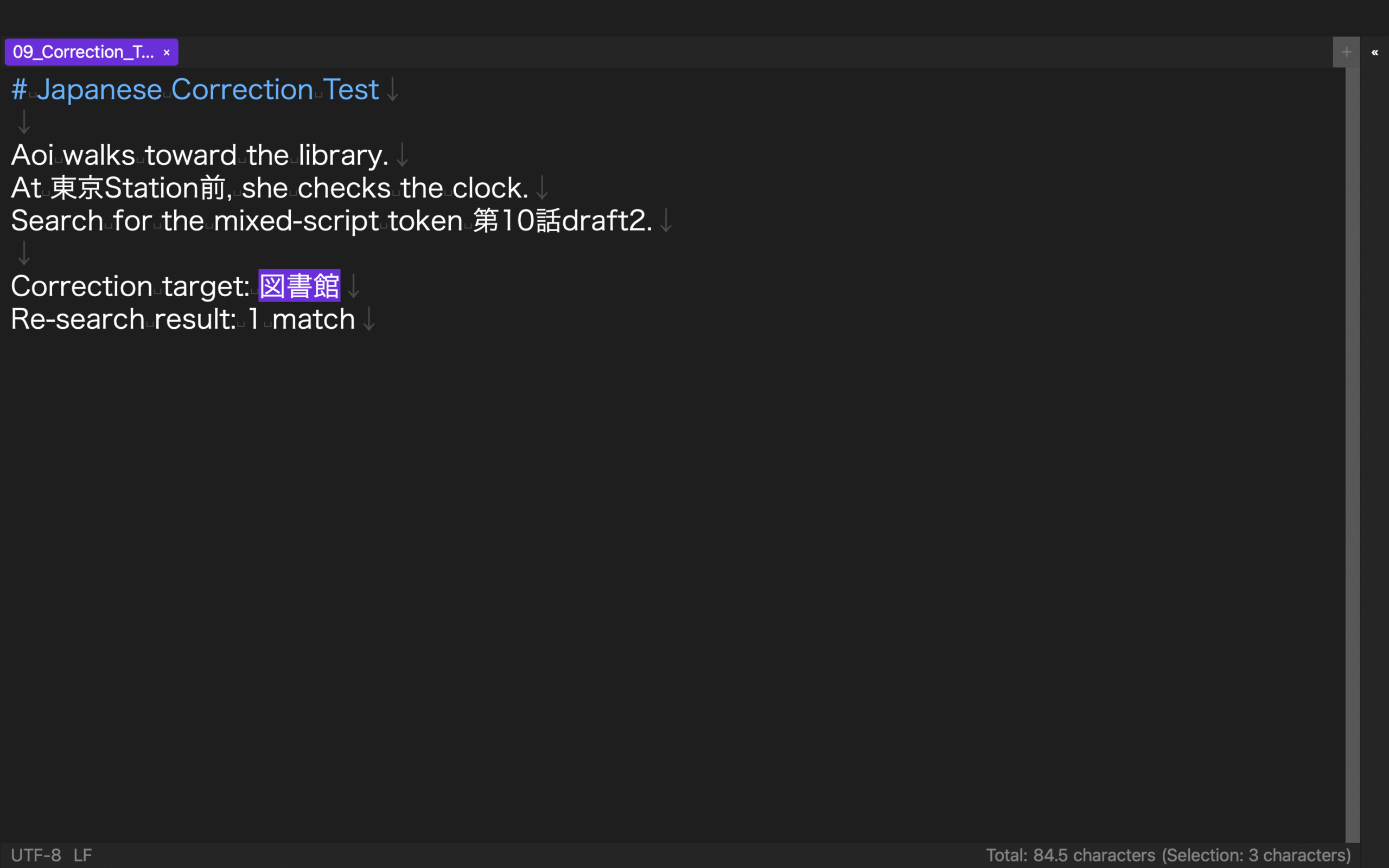
- Put the caret in the middle of the error
- Perform the ordinary selection action once
- Expand or shrink the range if necessary
- Enter the correct form
- Undo once and confirm that the original error returns
- Redo and restore the corrected form
- Save, then search for the corrected and obsolete forms
Stopping after replacement hides the recovery path. If the initial range includes a particle or bracket, you need to know whether one undo returns to the explainable state and whether redo restores only the intended edit.
Do not assume automatic saving. Use the candidate’s observable save action. Search both forms because a correct-looking location does not prove that another obsolete occurrence was left behind or that the replacement itself was misspelled.
Record three measures
First, measure repair time from moving to the error through the post-save searches. It is a within-person comparison, not a typing-speed contest.
Second, count additional actions after the first selection. A candidate may select proper names with zero repairs but require two adjustments for every okurigana correction. That difference matters more than a single overall “Japanese support” score.
Third, count neighboring damage: altered particles, punctuation, brackets, or line breaks. Record damage even if undo eventually fixes it. A workflow that regularly creates a dangerous intermediate state is not equivalent to one that selects the intended unit immediately.
Keep the median and worst recovery time rather than only the average. An editor that is usually fast but consumes five minutes on one correction has a different deadline risk.
Define a recovery path by category
Classify categories that work with one character-class selection, one keyboard adjustment, or a deliberate mouse drag. There is no requirement to use one method for every Japanese string.
You may use class selection for names, character-by-character extension for endings, and sentence selection for dialogue punctuation. The goal is to know which method is shortest and safest for each recurring correction.
When searching for the obsolete form, do not treat zero results as universally correct. Some occurrences may be intentional variants. Review each result and record the editorial decision. Also verify the count of the new form.
If undo returns too far, redo changes an unexpected range, or the source-of-truth file becomes unclear, stop the run and record the recovery minutes. Safety takes priority over completing all twenty cards.
Reverse the run on the next day
Begin with the last category on the following day and use the equivalent copy. Reversing order reduces the advantage gained by practicing the operation during the first run.
Adopt the workflow when median time, worst recovery, repair actions, and neighboring damage stay within your limits on both days. If the second day improves, document the learned rule. If a category remains unpredictable, switch it to a more controllable selection method.
The current rune Studio feature list includes Japanese character-class selection. A separate level-4 large-file operation completed search, one limited replacement, manual save, and another search. Those facts do not constitute this twenty-card GUI test and do not verify selection range, IME interaction, undo feel, or speed. Run the cycle on your own Mac.
Measure input quality through recovery
To evaluate Japanese editing on a Mac, correct twenty committed-text errors through selection, replacement, undo, redo, save, and search again. Record time, extra range actions, and neighboring damage by category.
An imperfect first boundary can still be workable when the recovery path is short and predictable. A feature label is not enough when corrections damage adjacent text or recovery time varies without explanation.