
A Mac text editor workflow becomes dependable when files move through named states: source manuscript, prepared book inputs, generated EPUB, and checked release candidate. Keeping those states separate prevents a corrected chapter from being mixed with an older cover or an unverified export.
Create a project folder with four destinations
Use a three-chapter essay collection as the example. Create folders for source, assets, builds, and checked output. Put editable chapter files only in source, and place the cover in assets. Builds contains disposable exports. Checked contains only an EPUB that has passed the current inspection.
Give chapters explicit sortable names and record their displayed titles. Store title, author, language, and edition information in a short metadata note. Finder timestamps can help, but they are not a substitute for a version label that explains which inputs belong together.
Prepare text without hiding line-ending changes
Open each chapter as text and verify the first and last paragraphs. Keep paragraph breaks intentional; do not align horizontal text with runs of spaces. If line endings need conversion, treat that as a separate change from wording edits so the review diff remains understandable.
Save one small correction, close the file, and reopen it. This proves that the editor wrote the expected content rather than merely displaying an in-memory change. If text looks garbled at opening, stop and diagnose the decoding choice before exporting. Do not lock a bad interpretation into a new UTF-8 file.
Assemble order, navigation, and metadata
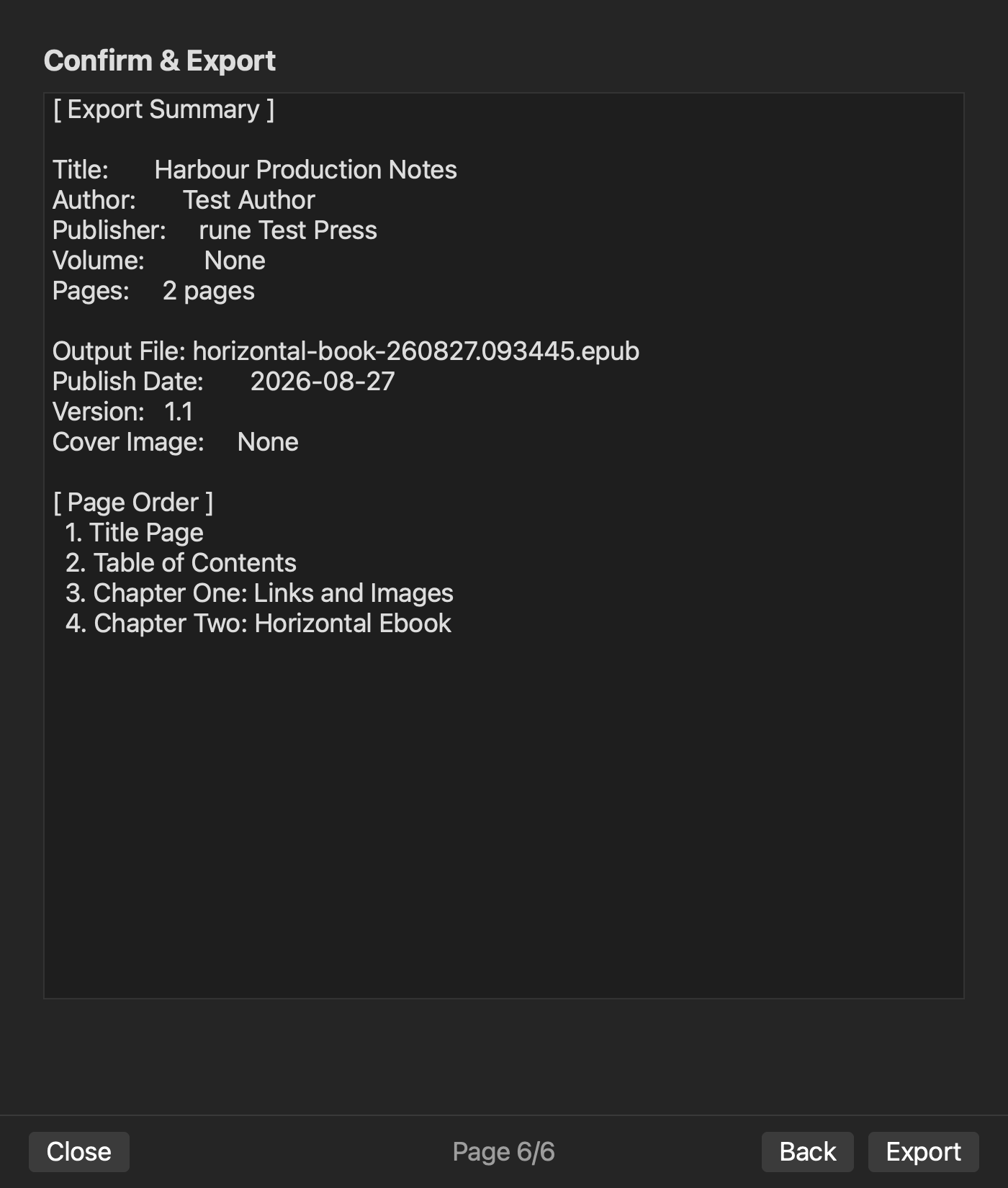
Add the three chapters in the declared order and compare their opening sentences with the source note. Create navigation labels that match the displayed chapter titles. Add the cover and approved metadata values.
Order and navigation are related but not identical. A correct list of labels can still link to the wrong chapter. Click all three navigation entries after generation and compare the destination sentence. If chapter order is wrong, return to the source list or reading order. If only a link is wrong, return to navigation mapping.
Generate into builds, never over checked output
Make the first EPUB in the builds folder with a versioned name. Do not overwrite the last checked file. Open the new export from the file you just created, not from a recent-items menu that may point to an older version.
Inspect the cover, navigation, chapter order, first and last paragraph of each chapter, and metadata. Resize the reader to expose wrapping problems. A file that opens is only the beginning of inspection; it has not yet earned a place in checked output.
Use a one-change rebuild to test the workflow
Correct one word in chapter two. Before rebuilding, write the expected difference: that word only. Generate a second version from the same project inputs. Confirm the correction, then recheck navigation, the cover, metadata, and an untouched paragraph in chapter one.
If the cover reverts, inspect the asset selected by the build. If navigation reverts, inspect its generation source. If the corrected word is absent, confirm which source file the project used. Repair source inputs rather than editing the EPUB as the master copy.
Record Mac-specific context without overclaiming
Record the macOS version, application version, and reading application used for the check. A visual difference in only one reader may be environmental. Repeat the representative location in a second reader before changing a correct manuscript or image.
Keep backups outside the build folder. Deleting a disposable build should never remove the only copy of a chapter or cover. When a build passes, copy or move only that accepted version into checked output along with the inspection note.
Place Rune Studio in the documented boundary
Current Rune Studio documentation describes a native Mac application for macOS 13 or later, text editing, chapter ordering, metadata, cover handling, EPUB 3 generation, and active-manuscript preview. Those capabilities align with this workflow. They do not prove that this three-chapter sample has been completed on a specific Mac, and they do not warrant a promise that every EPUB reader renders every detail identically.
Use current product instructions when operating the application. When an operation has not been tested, describe it as a documented capability or a planned checkpoint, not as a successful result.
Promote a build only after the record is complete
The acceptance note should name the three source versions, cover asset, metadata note, generated filename, reader environments, and inspection date. It should also state the expected difference from the previous accepted version. That statement turns the next correction into a controlled comparison.
Start by creating the four folders and writing the three chapter opening sentences in order. That foundation makes every later mismatch traceable. Review the current Mac and EPUB scope on the Rune Studio product page.