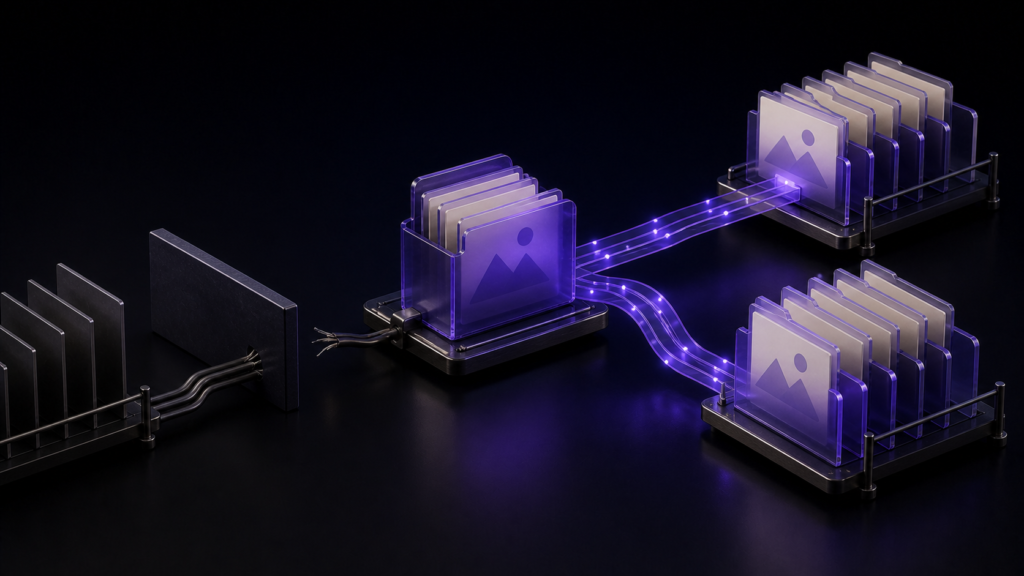
A manuscript can contain at least four different kinds of links: an external web URL, a local image, a local reference document, and an anchor within the current page. They do not respond to a folder move in the same way. Separating them before reorganizing a project prevents a broad search-and-replace from breaking links that were already correct.
Classify four concrete examples
An external source uses a complete URL:
[Official guide](https://example.com/guide)A local image and local note can use paths relative to the manuscript:

[Research note](../notes/source.txt)A link to a heading in the same document uses a page anchor:
[Jump to the conclusion](#conclusion)Do not convert a web address into a local path, and do not add https:// to an image stored inside the project. The syntax reflects a different destination and a different maintenance rule.
Relative paths depend on the source file’s location
If chapters/ch01.md refers to images/figure.png, the path from the chapter may be ../images/figure.png. Moving ch01.md to the project root changes that relationship, so the correct path becomes images/figure.png.
Moving the entire parent folder, with the chapter and image maintaining the same relationship, does not necessarily require a change. Judge the relationship between source and target rather than replacing a directory name everywhere it appears.
This is why a safe test moves one duplicated chapter first. It exposes the expected path change without risking every link in the canonical manuscript.
External URLs and page anchors usually stay put
An https:// URL does not depend on the local manuscript directory, so a local folder move normally should not alter it. The same applies to a mailto: destination. A website can later move its own page, but that is an external-link maintenance problem, not a local-path problem.
A same-page anchor also remains independent of the folder location. It may break when the heading is renamed or when the renderer generates a different anchor, so test it after editing headings rather than blindly changing it during a folder move.
Define the boundary of automatic following
Current public documentation for the Mac version of Rune Studio describes path following for Markdown image and link syntax inside txt, text, md, and markdown files. It says relative references can be updated after moves and renames, while external http, https, and mailto links and page anchors remain unchanged.
That documented range does not imply automatic repair of every document format, raw HTML attribute, custom URL scheme, or cloud-sharing link. If a project contains those forms, list and test them separately.
The same documentation describes handling both open tabs and closed target files while preserving encoding, as well as following a cover path. These are documented capability statements, not proof that a particular project migration completed successfully.
Move a four-link sample
Create a duplicated chapter containing one example of each link type. Rename the chapter and move it down or up one directory. Then inspect the result:
- The image should still open from the chapter.
- The local text note should still open from the chapter.
- The web URL should be unchanged and still reach the intended site.
- The same-page anchor should be unchanged and still reach the heading.
Do not judge only by the new path string. Open the actual destination. A plausible-looking relative path can point to the wrong file with the same name.
Recover according to the failed link type
If the image fails, compare the current chapter location, current image location, and stored relative path. If the note fails, also check its filename and extension. A fallback to an older workspace-root location may locate a candidate, but you must verify that it is the intended file rather than an obsolete copy.
If only the external URL fails, do not undo the local folder move. Verify the current address published by the external site. If only the anchor fails, inspect the heading and generated anchor. Each class has a distinct recovery point.
Closed files deserve attention too. A move can affect links in chapters that are not currently open. Work in a project copy, count the files expected to change, and inspect representative open and closed documents before applying the same reorganization to the canonical project.
Where Rune Studio fits
Within the documented file types and Markdown syntax, Rune Studio is a candidate for organizing manuscripts, images, notes, and a cover inside one workspace. This is a claim based on published feature information and the current interface. It does not guarantee custom schemes, arbitrary formats, cloud-link repair, or successful completion of the four-link sample on your machine.
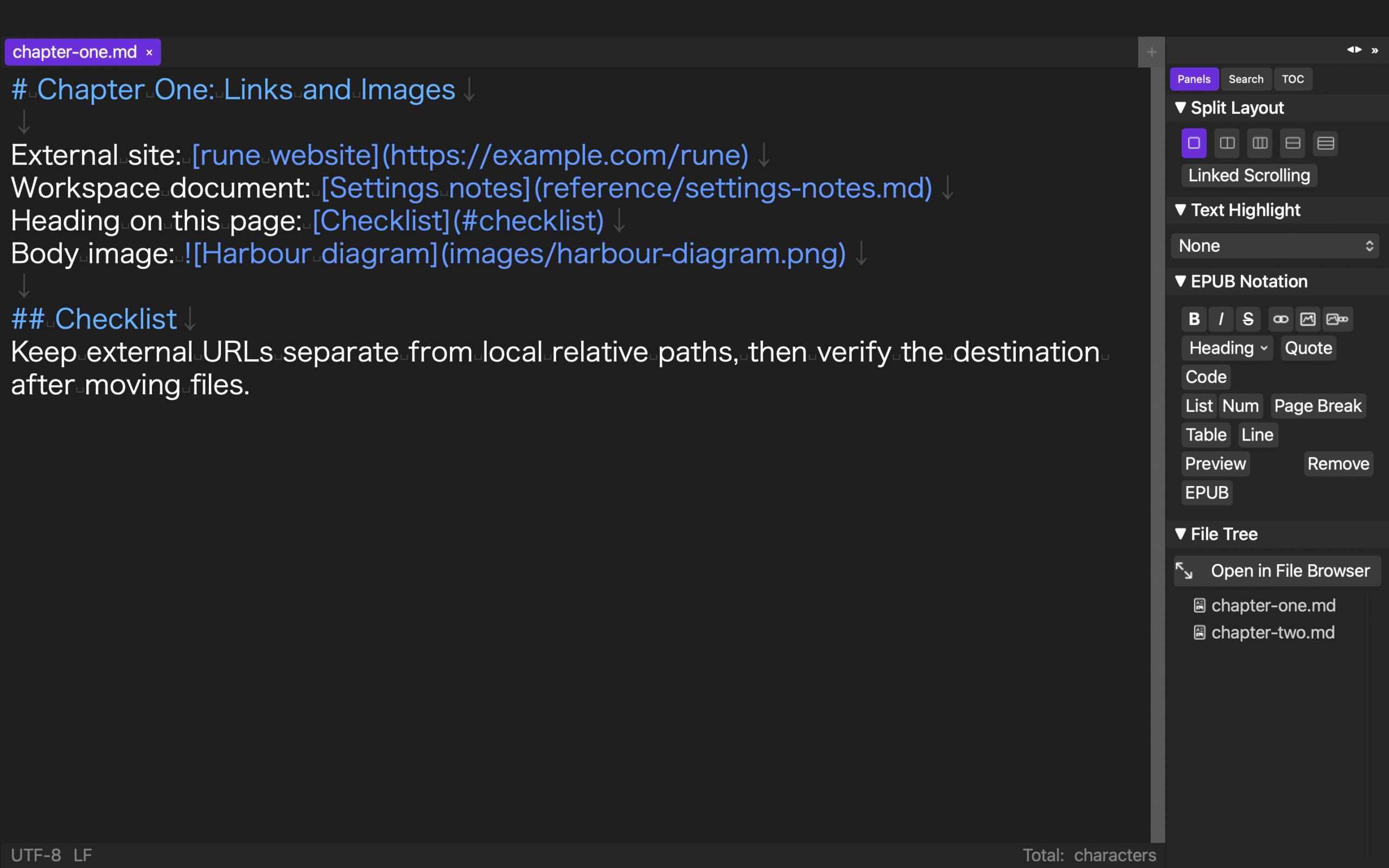
Start with one duplicated chapter
Put four links in a copy of one chapter and move only that chapter by one directory. Expect local relative paths to reflect the new relationship while the external URL and same-page anchor remain stable. Once you have opened every destination and confirmed the correct files, you can reorganize the larger project without carrying an unnoticed broken link into the next edition.