
Design a text editor hierarchy from document roles before adding folder depth. Give parts, chapters, sections, and reference groups stable IDs. The hierarchy works when a search result can lead to a reference or duplicate and the operator can still return to the one authoritative manuscript file intended for editing.
This article uses three parts, nine chapters, eighteen sections, and character, timeline, and image-reference folders. On-screen switching and unsaved-tab state belong to the unsaved-tab switching procedure. Automatic plot generation, cloud synchronization, and collaborative editing are outside the scope.
Decision: Define roles and stable IDs before folder depth
Begin with four ID families:
- parts: P01 through P03;
- chapters: C01 through C09;
- sections: S01 through S18;
- references: R-CHAR, R-TIME, and R-IMAGE.
Keep these IDs when display titles change. A label such as “Part One / Chapter Three / Reunion at the Station” cannot reliably survive renaming or distinguish a search result from an old copy. A path such as P01/C03/S05, combined with a role, gives the operator a traceable authority.
The objective is not the shallowest or deepest tree. It is to separate editable manuscript relationships from reference relationships and give every file one explainable role.
Build an authority map for three parts and nine chapters
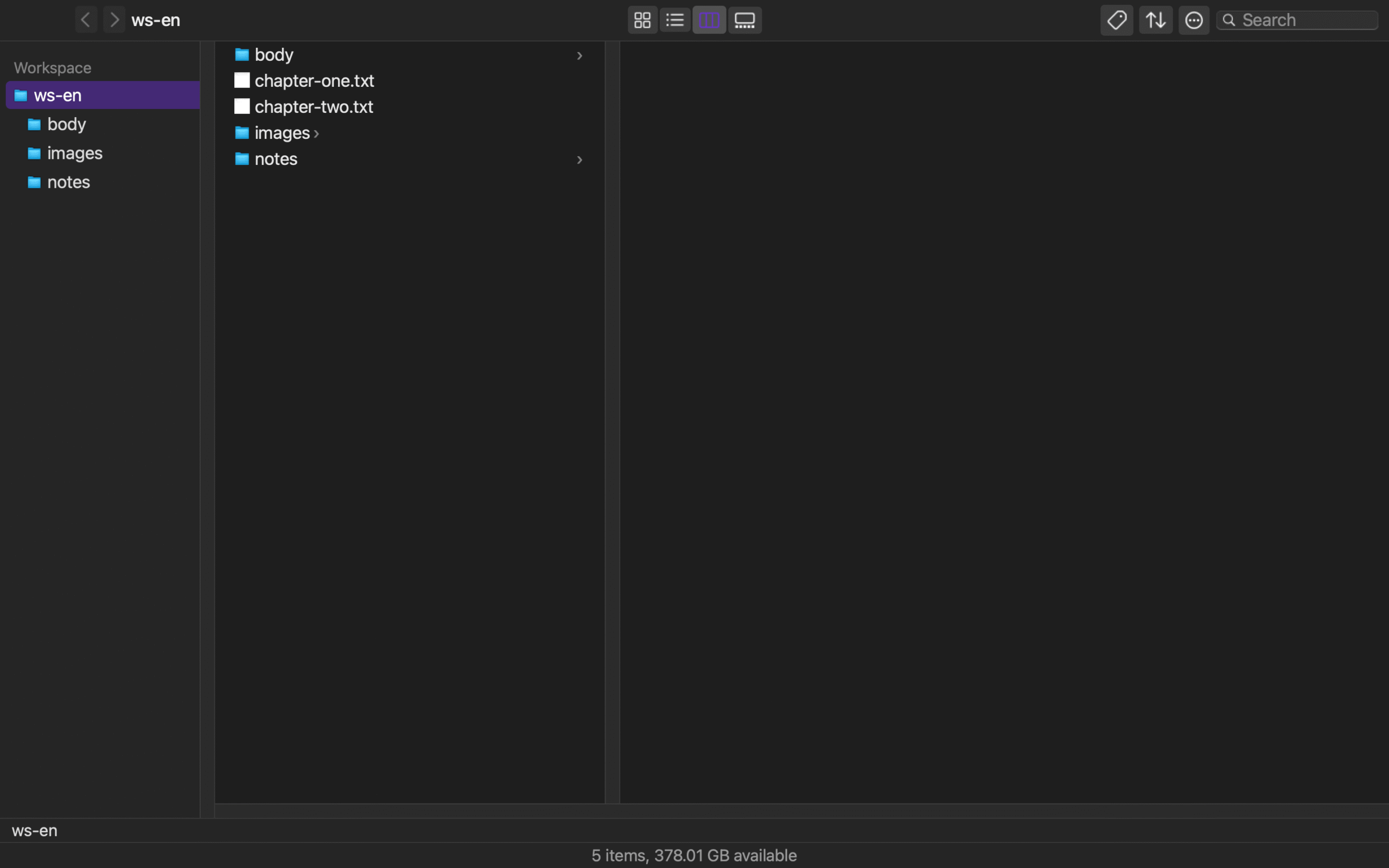
Place manuscript/, references/, and assets/ under the project root. Store body files at paths such as manuscript/P01/C01/S01.md. Put character records under references/characters/, the timeline under references/timeline/, and images under assets/images/.
For every file, record stable ID, display name, role, authoritative path, and parent ID. If S05 and S06 belong to C03, each names C03 as its parent. Character record R-CHAR-01 may be referenced from C03, but it is not a child manuscript section. Parentage and reference are different relationships.
This distinction matters during change. Renaming Part Two does not change P02’s relationship to C04–C06. Reusing a character record in several chapters does not create several authorities for that record.
Choose the return authority before searching
Prepare three search terms:
- character name “Takahashi” — four manuscript occurrences and one character record;
- event “blackout” — two manuscript occurrences and one timeline record;
- image name “station-night” — one manuscript reference and one image asset.
Before searching, write the purpose and the manuscript ID to edit. For example: “purpose: confirm character age / reference: R-CHAR-01 / edit authority: S05.” Opening the character record supplies evidence, but editing begins only after returning to S05.
Search results mix manuscript and reference roles. A result count does not identify authority. For each opened result, verify its fixed ID, role, and path. Do not write narrative changes into the character sheet, and do not promote an archived duplicate because it appeared first.
Record a three-step route back to the manuscript
Use this route:
- Open a search result and verify its ID and role.
- Record only the required fact and confirm the intended edit ID.
- Open the intended path from the authority map and edit under a change ID.
After searching for “Takahashi,” check R-CHAR-01, then navigate through P01 → C03 → S05. Record the manuscript change as CHG-S05-01. The change belongs to S05, not to the reference record.
Keep search term, reference ID, edit-authority ID, and change ID on one row. Another editor can then reproduce both the evidence lookup and the return path without confusing “a file was viewed” with “this source was changed.”
Separate three hierarchy failures
The first failure is using a mutable chapter title as both folder name and identity. Separate the display name from the stable ID. The second is copying a character or timeline record into several chapter folders and creating several apparent authorities. Restore one reference source and leave reference IDs in chapters.
The third is editing the file opened from search without returning to the preselected manuscript authority. Return to the edit ID and authority map.
These differ from the unsaved-tab switching procedure’s failure of losing an unsaved tab during switching. This article judges whether the folder structure and IDs define a return route, not which item is visually selected.
Audit parent and reference IDs before moving a folder
Before moving S05 from C03 to C04, list its current parent ID and every navigation, work-card, or link reference. Change the parent from C03 to C04 while leaving R-CHAR-01 in the reference hierarchy.
After the move, verify the S05 authoritative path, parent ID, and display name. Repeat the “Takahashi” search and confirm that the planned return still reaches S05. If the old path is retained for archival purposes, place it under an explicit archive/ role; an unlabeled same-named copy makes the search result ambiguous.
Keep authority maps from before and after the move. They distinguish an intended hierarchy change from an accidental duplicate.
Find authority-map contradictions in three directions
Read the completed map from parent to child, child to parent, and reference to referring manuscript. P01 should list C01 through C03, and C03 should list S05 and S06. Then follow S05’s parent ID back to C03 and confirm that the reverse relationship agrees. Finally, open S05 from the referring-source list for R-CHAR-01 and confirm that this is a reference relationship, not manuscript parentage.
A map that agrees in only one direction fails. Repair cases such as C03 listing S05 while S05 names C04 as parent, a copied R-CHAR-01 inside a chapter, or an old S05 appearing in ordinary search without an archive role. After the three-direction audit, search “Takahashi,” check R-CHAR-01, and return to S05. That sequence demonstrates a return route independent of visible folder labels.
This audit does not check an unsaved marker during screen switching. Once the ID relationships are sound, the unsaved-tab switching procedure can own the switching behavior. The acceptance condition here is that closing search still leaves enough structural evidence to identify the same manuscript authority again.
What Rune Studio documentation establishes
Current Rune Studio documentation states that the file tree puts folders first, retains folder expansion state, and supports creating files or folders, copying paths, and searching from a selected location. The independent file browser provides back, forward, parent-folder, and path-bar navigation plus recursive name search with up to 500 results.
The documentation also states that workspace information is stored in .rune-workspace and that readers can restore the saved workspace state from a backup. This is workspace-setting restoration, not a claim that authoritative manuscript text or unsaved content is automatically recovered.
These capabilities are relevant to navigating the ID hierarchy and returning from a name search. They do not prove that the three-part, nine-chapter, eighteen-section sample passed. Automatic plot generation, cloud synchronization, and collaborative editing remain outside the documented connection used here.
Build the first authority map from P01, C01, and S01
Write P01, C01, S01, R-CHAR, R-TIME, and R-IMAGE first. Give each a role, parent ID where applicable, and authoritative path. Keep manuscript parentage separate from reference relationships.
Then search one term, check a reference, and return to the preselected S05 before editing. If the fixed IDs and authority map bring the operator back to the same source after search, the hierarchy is doing its job. For Rune Studio, compare the current tree and search scope on the Rune Studio product page, then add the authoritative S05 return path from the “Takahashi” search to the map.