
When choosing a Mac text editor for Japanese long-form writing, test more than launch speed and formatting options. Five differences matter: Japanese character boundaries, half-width-character review, encoding safety, behavior after the manuscript becomes large, and the exact scope of vertical-writing support.
English separates most words with spaces. Japanese continuously mixes kanji, hiragana, katakana, Latin letters, and numbers. A general label such as “search supported” or “vertical writing supported” cannot describe every editing detail.
This guide stays with Japanese-specific evaluation. It does not repeat a general product ranking, a complete long-novel workspace design, or a MacBook mobility workflow.
1. Test selection at Japanese character boundaries
Prepare a paragraph containing kanji, hiragana, katakana, full-width and half-width Latin characters, and punctuation. Select phrases with double-click and drag, then replace deliberate errors.
A string such as 東京Station前 changes character type without adding spaces. Some writers benefit from selection that recognizes those transitions; others expand selections one character at a time with the keyboard. Test whether the result fits your method.
Also inspect the cursor before and after IME conversion, text inside Japanese quotation marks, ellipses, and dashes. These interactions require a hands-on trial because specifications cannot establish their feel.
2. Decide after finding half-width characters
Half-width letters, numbers, and symbols are not automatically mistakes in Japanese prose. URLs, English names, model numbers, and Markdown notation require them.
The problem is an unintended half-width number or mark inside a passage that should use full-width forms. A useful review should show both the matching string and its location. Do not convert every match before excluding URLs, code, or notation that should remain unchanged.
Long manuscripts can produce many matches. Check whether you can review them in sequence and return to the original line.
3. Inspect encoding before saving
UTF-8 represents a broad range of text, but a recipient may request Shift_JIS or another encoding. Emoji and some symbols cannot be represented in every target encoding.
Blind conversion can remove or replace a character without the writer noticing. Prefer an editor that identifies unrepresentable ranges before saving, so you can change the character or keep UTF-8 intentionally.
Test what happens when the selected encoding cannot represent one symbol. “No mojibake” is less informative than a clear, recoverable error path.
4. Check what remains after the manuscript grows
A short sample does not establish behavior near completion. Use a safe copy close to the expected length and test writing, search, and saving.
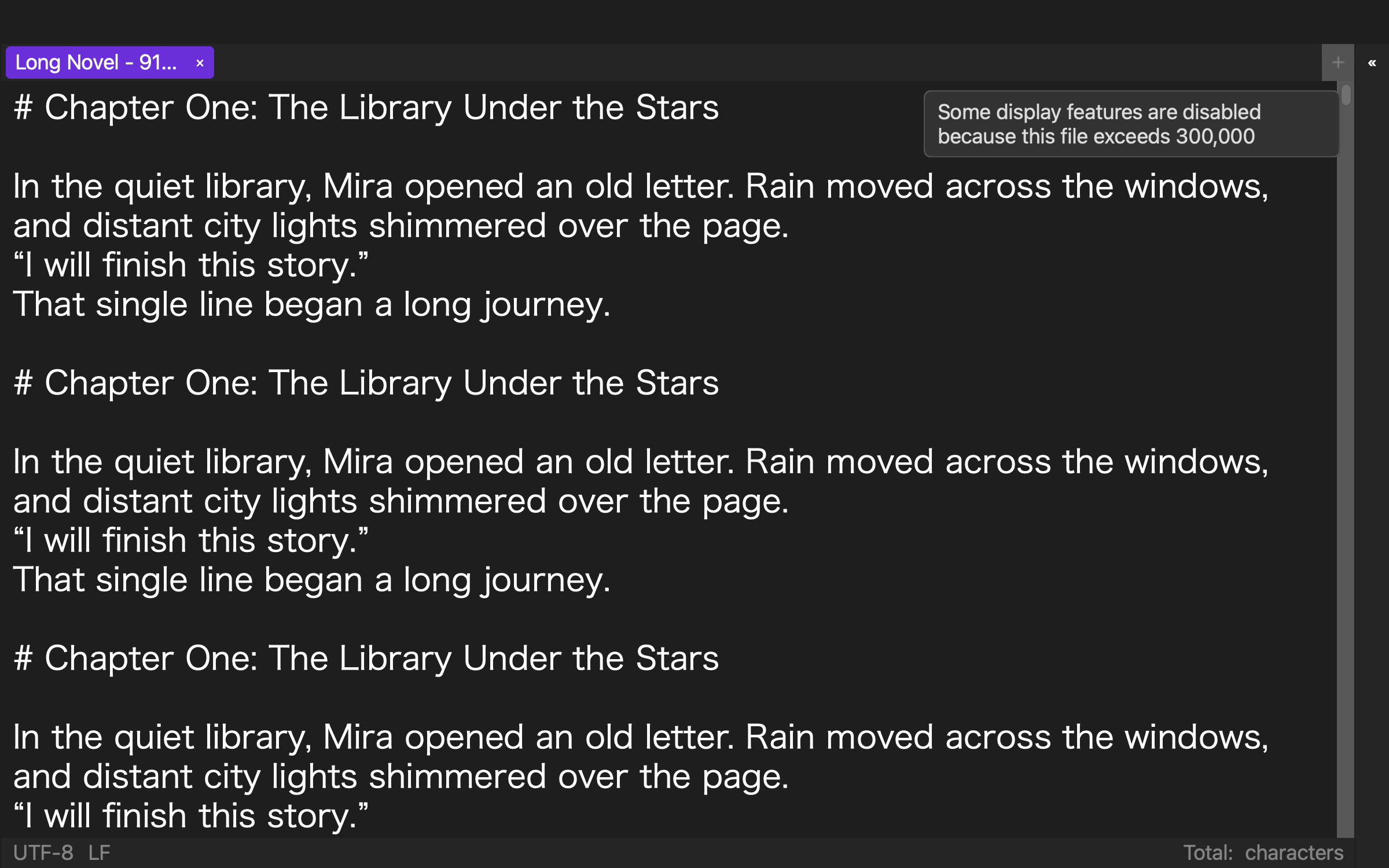
Some editors reduce notation coloring, line numbers, or continuous highlighting for a large file. The important result is whether the editor explains that change while preserving the operations needed to edit, find, and save prose.
Performance differs by Mac, memory, other applications, and manuscript contents. Test your own computer instead of treating one benchmark as universal.
5. Separate the three meanings of vertical writing
For a Japanese novel, determine whether vertical writing applies to the editing view, preview, EPUB output, or a combination. Inspect two-digit numbers, Latin letters, paired punctuation, ellipses, dashes, and ruby text.
A writer who drafts horizontally may not need continuous vertical rendering. A chapter checkpoint, first-draft checkpoint, and pre-output checkpoint can be sufficient.
What Rune Studio verification established
The current Mac version of Rune Studio includes Japanese character-type selection, half-width-character search, encoding inspection, large-file detection, and vertical writing and preview in Japanese mode.
On August 10, 2026, Rune Studio CLI 1.4.0 build 23 inspected a UTF-8 fixture containing 919,514 characters and 24,272 lines. It returned isLargeFile: true with exit code 0.
Half-width search returned 12,164 ranges. That number is not an error count. The fixture contains many URLs, Markdown tokens, and Latin characters that correctly belong in the result. Each match still needs contextual judgment.
A Shift_JIS representability inspection also finished with exit code 0 and found no unrepresentable ranges in this particular fixture. It does not predict the result for a manuscript containing other symbols.
The direct test covered large-file detection, half-width search, and encoding inspection. It did not evaluate Japanese IME interaction, character-type selection feel, the visual vertical-writing interface, or speed on different Macs.
Who needs these five checks?
Rune Studio is a candidate for writers who produce long Japanese work on a Mac and want character-type, half-width, encoding, and vertical-writing checks in one environment. It also fits writers who prefer editing fundamentals over continuous visual aids after a file exceeds 300,000 characters.
A simple editor may be enough for short horizontal UTF-8 documents that never need vertical output. A cloud document may fit simultaneous collaboration better.
This assessment covers the current Mac version and excludes iPad functionality still under development.
Test the Japanese-specific details in the same manuscript
For Japanese long-form work, compare character-boundary selection, half-width review, encoding inspection, large-file behavior, and the scope of vertical writing.
Use a safe copy mixing Japanese text with Latin letters and symbols, then run all five checks. If Rune Studio is a candidate, review the current features and system requirements on the Rune Studio product page.