
After finding mojibake in an EPUB, the first source-side test is to compare the same working copy in three states: immediately after opening, immediately after Save As, and after closing and reopening the saved copy. A mismatch in the first state points back to decoding evidence. A difference that appears only across the save or reopen boundary points to the save-side investigation. If all three states match, this test has not located the fault in source opening or saving.
This article does not trace the manuscript through generated XHTML, reader display, and regeneration. That end-to-end EPUB path begins only after this source test. The finish line here is narrower: preserve the authoritative source and decide whether the first observable divergence belongs to opening or to the save/reopen boundary.
Preserve the authoritative source and freeze the comparison
Identify the manuscript revision used to generate the affected EPUB. Do not open and save the authoritative file. Make one working copy from that exact revision. If the revision cannot be identified, hold the diagnosis instead of selecting a similarly named file.
Before opening the copy, record its filename, SHA-256, modification time, expected encoding and the evidence for that expectation, expected character, and expected code point. Acceptable encoding evidence may come from a delivery specification, a creator’s record, or a previously verified creation environment.
Change one condition per run. A decode test that also changes output encoding, font, and destination cannot identify the boundary responsible for a difference.
Record the immediate-open state
Open the working copy with the expected encoding and do not save it. This is state 1. Record the suspect string and code point, plus identifying text near the beginning, middle, and end.
If state 1 already differs from the expected text, return to the decode choice, the evidence for the expected encoding, or the source revision. Stop before Save As so that the misread text is not fixed into another file.
A correct state 1 proves only that the characters observed immediately after opening matched the expectation. A selected encoding value in the interface does not by itself prove the physical byte encoding.
Separate Save As from reopen
Proceed only when state 1 is correct. Save to a new test filename without overwriting the working copy. While the saved tab remains open, record the same character again as state 2.
Close that test file and open the newly saved file as a fresh input. Record the same character and the three identifying strings as state 3. Do not collapse states 2 and 3 into one generic “after save” result.
A difference in state 2 appears at the save-operation boundary. Equal states 1 and 2 followed by a different state 3 place the divergence at the saved-file reopen boundary. Without checking physical bytes, neither pattern proves by itself that conversion succeeded or that reopening alone was wrong. Preserve both files for the next check.
Choose the return boundary from the pattern
- State 1 differs: return to decoding evidence and do not save.
- State 1 is correct but state 2 differs: investigate save conditions using only the separately named file.
- States 1 and 2 are correct but state 3 differs: investigate how the saved file is reopened; do not mark the save as passed.
- All three states match: this test did not reproduce a source open/save divergence. Continue with generated XHTML and reader tracing.
- The source revision or expected encoding becomes unknown: stop as not determined.
This table chooses the next boundary to check. It does not automatically name a root cause. In particular, differences between states 2 and 3 require byte-level evidence that this article does not claim to have observed.
Use one minimal sample containing 﨑
Use a disposable line such as “Editor 﨑本 approved the revision.” Record the expected character as 﨑 and its code point as U+FA11. The example does not claim that this character must fail in a particular encoding. It is a stable marker for comparing one position across all three states.
Keep the line and several lines of context in one working copy. On one row, record the working-file ID, expected encoding, state 1, state 2, state 3, and the next investigation boundary.
Do not replace 﨑 with the visually similar 崎 and call the test repaired. Changing the expected value destroys the evidence needed to separate opening from saving.
Separate the selected encoding from the physical file bytes
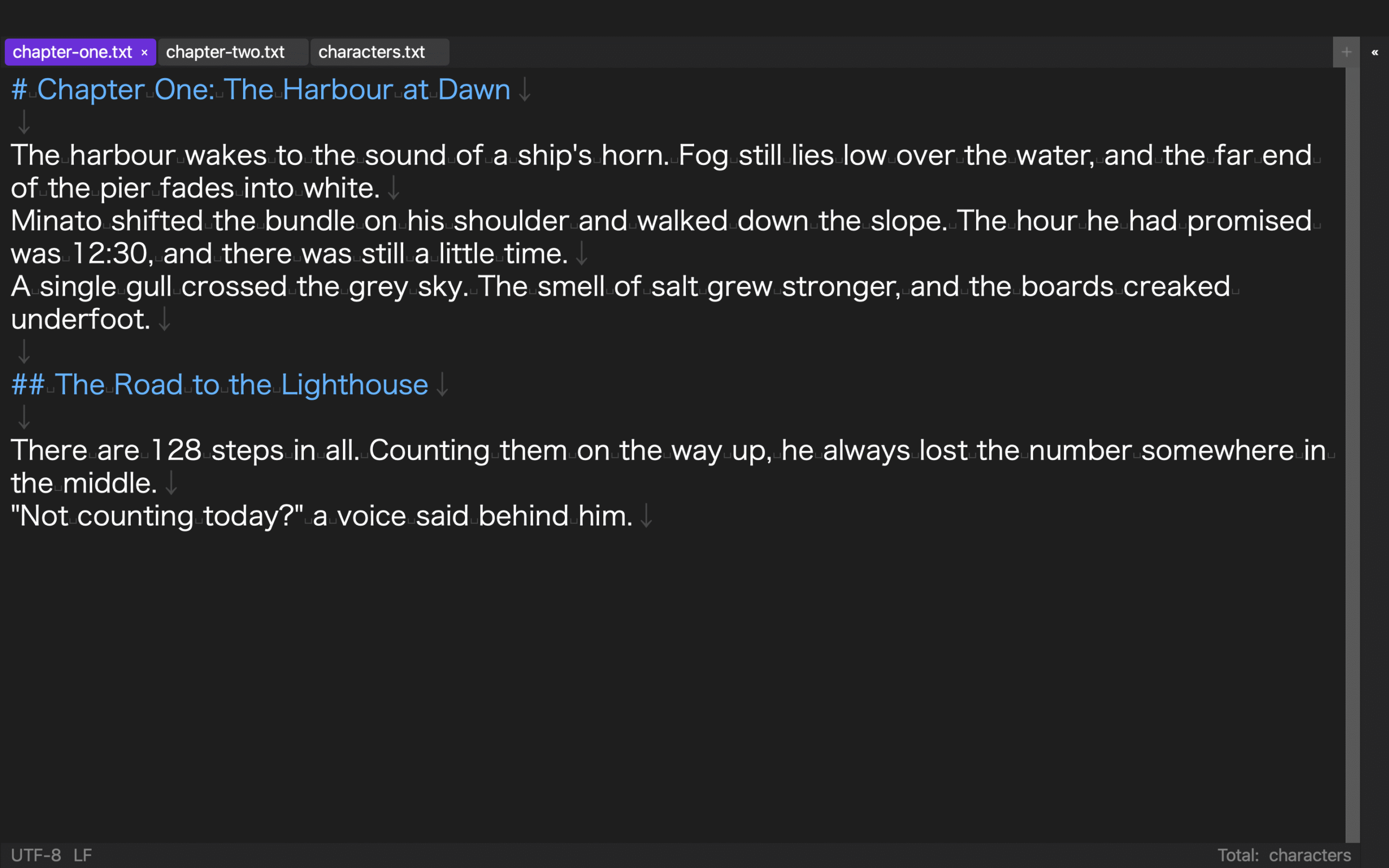
Rune Studio documentation describes reading several Japanese encodings, selecting encoding and line endings, highlighting unrepresentable characters in red, warning on save, and suspending automatic save. These functions are relevant to the three-state method, but a selected value does not by itself prove byte conversion.
A hands-on sample retained its Shift_JIS tab selection after closing and reopening while the physical file still read as UTF-8. A retained interface value therefore did not prove physical conversion.
The sample did not cover the red warning state, save warning, automatic-save suspension, Save As byte conversion, reopening an actual Shift_JIS file, or this article’s full three-state screen route. The three-state procedure remains product-independent guidance, not a completed result for the example.
Move to XHTML and reader tracing when all three states match
When states 1, 2, and 3 match but the EPUB remains broken, this article stops. The next workflow checks generated XHTML, compares readers, and chooses a regeneration point across the source-to-package-to-reader path.
Broad pre-export source cleanup is outside this article. It also excludes bulk conversion, manuscript-wide replacement, CSS repair, font diagnosis, and retailer-side transformation. Its endpoint is the source open/save boundary.
Conclusion: classify decoding versus saving with three states
Return from the EPUB symptom to the identified source revision, preserve the authority, and record the same character in state 1 immediately after open, state 2 immediately after Save As, and state 3 after closing and reopening.
A state-1 difference points to decoding evidence. A difference first appearing in state 2 or 3 points to the save/reopen side. If all three match, end this test and continue with the EPUB package and reader. When using Rune Studio, remember that interface selection and physical bytes may disagree, and do not report unobserved warning or screen behavior as completed. Review the current scope on the Rune Studio product page.