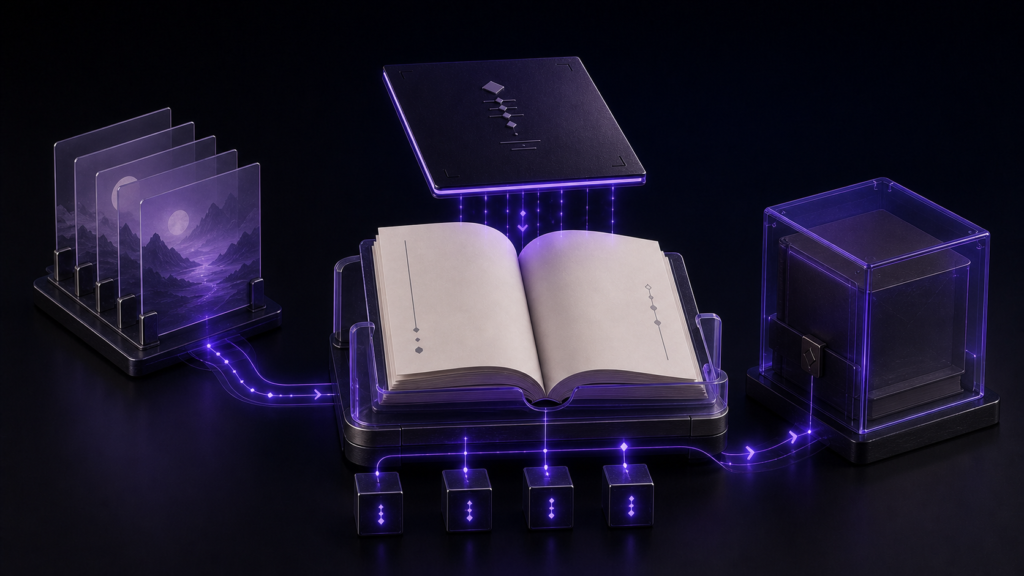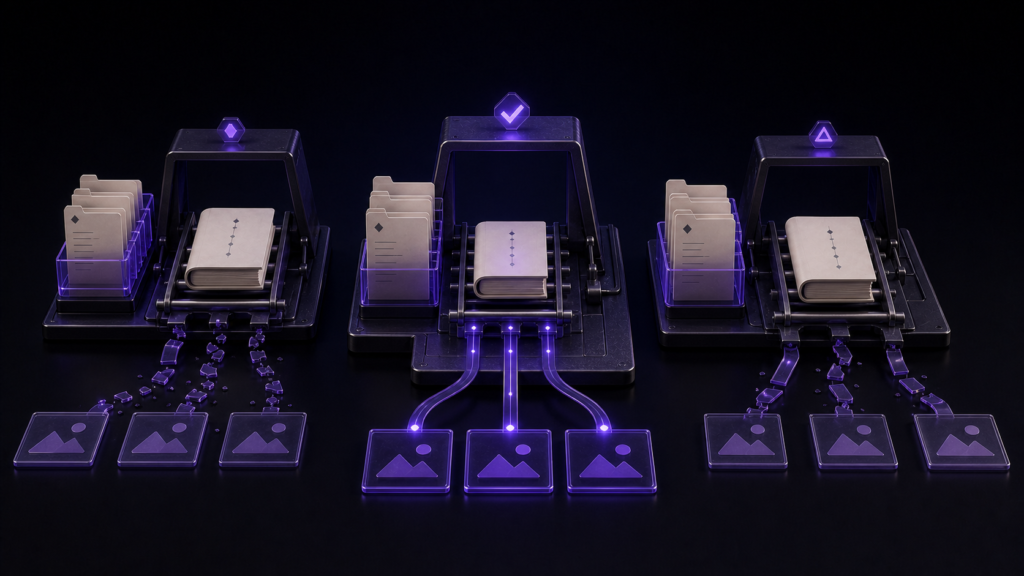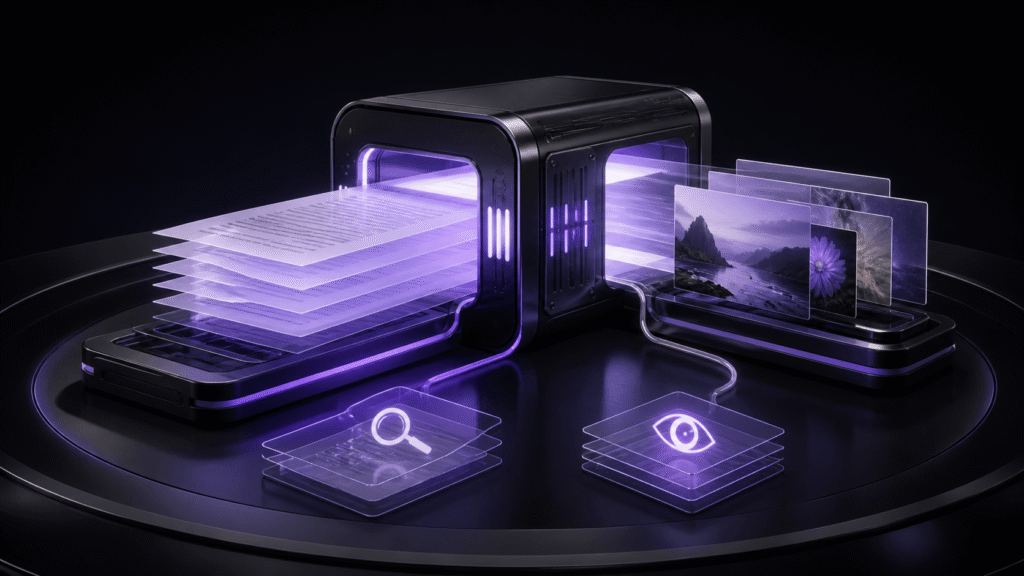
Before exporting an EPUB, do not combine mojibake and missing images under one label such as “display problem.” Text must be checked against the encoding used to save the source. Images must be checked by resolving each reference from the manuscript to a real file. The two failures return to different authoritative sources, so complete two separate checks before generating the EPUB.
This article covers source-stage checks for those two systems. It does not cover direct repair of a third-party EPUB, DRM, or marketplace acceptance. Diagnosing text after XHTML generation and learning image-insertion paths in detail are separate topics.
A visible character may still be impossible to save
A font may display a character even when the selected source encoding cannot store it. An emoji that works in UTF-8 may be unrepresentable in a Shift_JIS working copy. A missing glyph in a font is also different from a value that the encoding cannot preserve.
Create a two-chapter copy with two known test characters: one emoji and one compatibility character. Record the chapter ID, five characters on each side, and the expected treatment. The objective is not to delete unusual characters automatically. It is to locate every value that cannot be represented by the intended encoding before export.
When a problem is detected, preserve the authoritative source and decide one case at a time. Depending on the publishing requirement, you may substitute a meaning-preserving character, move an explanation to a note, or save a UTF-8 copy. Changing several positions at once hides which correction cleared a warning.
After saving under a new name, close and reopen the copy. Reconcile the chapter ID, problem positions, and total character count. A disappearing warning does not prove that no character was silently substituted or dropped.
Resolve each image reference to one real file
For the image check, put three relative images in the two chapters and deliberately break one route. For example, chapters/ch02.md still refers to ../images/map.png after the actual file has moved to images/maps/map.png.
The image record should contain the manuscript ID, the path written in markup, the location resolved from the manuscript folder, whether a file exists there, and the image’s purpose. Finding a file called map.png somewhere in the project is not enough. Another folder may contain an older image with the same name.
Before fixing the broken route, choose which source is authoritative. If the new asset layout is intentional, update the markup. If the image was moved by mistake, restore the file. Changing both at once leaves no clear explanation of the correct project structure.
After correction, search for the old path and expect zero active uses. Search for the new path and expect the recorded number. Open the actual file to verify its content, and make the alternative text describe that content.
Keep the two return paths separate
An encoding error returns to the source character or selected source encoding. An image error returns to markup or asset placement. If both are recorded only after export as “not displayed,” repeated changes to EPUB settings may never address the source problem.
Permit export only when the text record has zero unresolved characters and the image record has zero unresolved files. Do not average the two checks into one score. One open issue should keep the relevant source-stage check unfinished.
The explanatory sample contains two UTF-8 chapters, two unconvertible-character cases, three relative images, and one broken reference. It demonstrates a method; this article does not report a completed Rune Studio run on that sample.
Separate confirmed behavior from unobserved warnings
Current Rune Studio documentation for Mac describes major Japanese encodings, a red background for unrepresentable Unicode characters, a save warning, temporary suspension of automatic saving, and an on-screen notice. A hands-on check confirmed only that a Shift_JIS tab selection survived reopening; the physical file still read as UTF-8. The red background, save warning, automatic-save suspension, and physical conversion after Save As were not observed. A retained selection therefore does not prove that the file bytes were converted.
The image check began with two Markdown references in two files. Renaming cover.png alone left both references under the old name, and usage of the new name was zero. A separate reference-rewrite function then changed both locations, while the external URL and page anchor remained unchanged. The controlled sequence is therefore usage count, rename, old-reference check, explicit rewrite, and old/new search—not an automatic-follow guarantee attached to the rename itself.
Keep the boundaries separate: encoding warnings are documented functions, while reference rewriting was observed only in the two-file, two-location example. Deletion-warning behavior, encoding retention in a closed Shift_JIS source, every image format, direct repair of third-party EPUB internals, marketplace acceptance, and completion of this article’s full sample remain outside the confirmed result.
Who should use this pre-export split
The method suits writers who create EPUB files from Markdown or text sources and want to close source and asset problems before export. If the only available artifact is an already damaged EPUB, if the file is protected by DRM, or if a marketplace-specific validation result is required, use a different tool and the relevant official checks.
When the question is which layer of generated XHTML caused mojibake, use a post-generation diagnostic workflow. When the question is how to write image markup and preserve it through a move, use the dedicated Markdown path workflow. This article is the entrance check that keeps those two systems separate.
Hand both evidence records to the EPUB stage
Do not hand the generator only a manuscript file. Attach the accepted text record and image record. The text record should identify the selected encoding, the two reviewed character locations, the character count after reopening, the record version, and the reviewer. The image record should identify the three source-relative paths, resolved files, using chapters, alternative text, record version, and reviewer.
Name the records with the same source revision used by the export candidate. If one character is edited, repeat the affected text check rather than reusing an older zero count. If an image moves, recount old and new references and update the image record. State which record was repeated and who accepted the new result.
These records become the comparison record after export. If a character that passed at source is wrong in generated XHTML, investigate generation rather than repeating the source check. If a recorded image resolves at source but is absent from the package, investigate packaged resources and their references. The receiver should be able to distinguish those cases without relying on an oral “checked” message.
Conclusion: reduce two unresolved counts to zero
Create a two-chapter copy. Put two known character cases in the text record and three image references, including one broken route, in the image record. For text, verify representability and reopening. For images, verify the source-relative destination and the actual file. Do not export until both unresolved counts are zero.
The current Mac scope of Rune Studio’s encoding warnings and reference-path features is available on the Rune Studio product page. The first action is simply to create two records with different return paths instead of writing every source problem in one undifferentiated note.