
When choosing a text editor for a large manuscript, do not begin by measuring both sides of a character-count boundary. Decide whether you can finish the next editing task after expensive display aids are reduced. The required route is to return to one known location, make one edit, save an identifiable copy, reopen that same artifact, and verify the change.
This article ends with one of three workflow decisions for a copy already known to contain at least 300,000 characters: continue in one file, split into chapter working files, or hold until the saved result can be verified. It does not compare 299,999, 300,000, and 919,514 characters at the threshold, and it does not classify twelve replacement contexts inside one 450,000-character file. Speed ranking and universal responsiveness across Macs are also outside this workflow.
Define the next task as four destinations
Write the next job before listing features. A concrete job is to return to chapter ID C18, find the prose clue “the station clock had stopped,” revise the following sentence, save under a new name, and verify that location in the reopened copy. Split it into four destinations:
- Return: reach the location through a chapter ID and prose clue.
- Edit: change one sentence near the middle or end and retain an explainable Undo target.
- Save: preserve the authority and write an identifiable copy.
- Verify: reopen that copy and reread the change at the same ID and prose clue.
If all four destinations remain reachable, one more writing session can continue even when some display aids stop. A file that merely opens, a token left in the search field, or an enabled Save command is not yet a complete route.
Translate each suspended display aid into a writing consequence
Do not stop at a list of missing interface features. Name the work that depended on each one. If notes used line numbers as addresses, decide whether chapter IDs and prose clues can replace them. If same-word highlighting supported repetition review, decide whether a copied scene can be reviewed separately. If continuous counts were essential, decide whether checkpoint counts are sufficient.
Some aids cannot be replaced for a particular phase. When registered-term highlighting must remain visible throughout terminology review, do not force the one-file route to pass. A chapter working copy may be the better route. The decision depends on whether the next task can be completed with an explicit substitute, not on how many aids were suspended.
Record a notice or disabled menu as evidence that the application entered a reduced state. Keep that observation separate from the four destinations; a notice does not prove that the edited text was saved.
Choose one-file continuation, chapter splitting, or hold
Continue in one file when IDs and prose clues still return to the target, editing and reopened-save verification succeed, and every necessary suspended aid has an explicit substitute. Choose chapter working files when core operations remain but an aid required for the current editorial phase becomes available only below the large-file threshold.
Hold when the saved artifact cannot be identified, the reopened change cannot be confirmed, or the reason for the reduced state is unclear. Do not offset that gap with unrelated convenient features. Test on an identifiable copy such as large-route-copy.md, not on the only authoritative manuscript.
Splitting creates new work: chapter order, navigation, cross-file search, and movement between chapters must be managed. Compare the work lost in one-file mode with the control work added by splitting. “The file is large” alone does not decide the route.
Separate an enabled save from correct saved content
An enabled Save command does not prove that the expected edits reached the artifact. Put different verification marks near the middle and end of the large copy. After Save As, search the reopened file for both marks. If only one remains, investigate the edit location, save target, and reopened filename in that order.
Even when automatic saving remains documented, do not use the authoritative manuscript for this route check. Use an identifiable copy and fixed destination, then confirm that the authority’s modification time did not change.
A fixed token left in the search field is not search evidence. Visit the beginning, middle, and end anchors and read their surrounding prose. Reduced display support makes those context clues more important because the same token may occur in several places.
When comparing candidates, record when the reduced-state notice appeared, the Save As destination, and the filename reopened. If the user cannot identify why features stopped, keep the route on hold; otherwise an intentional reduction can be confused with a save failure.
The documented Rune Studio scope above 300,000 characters
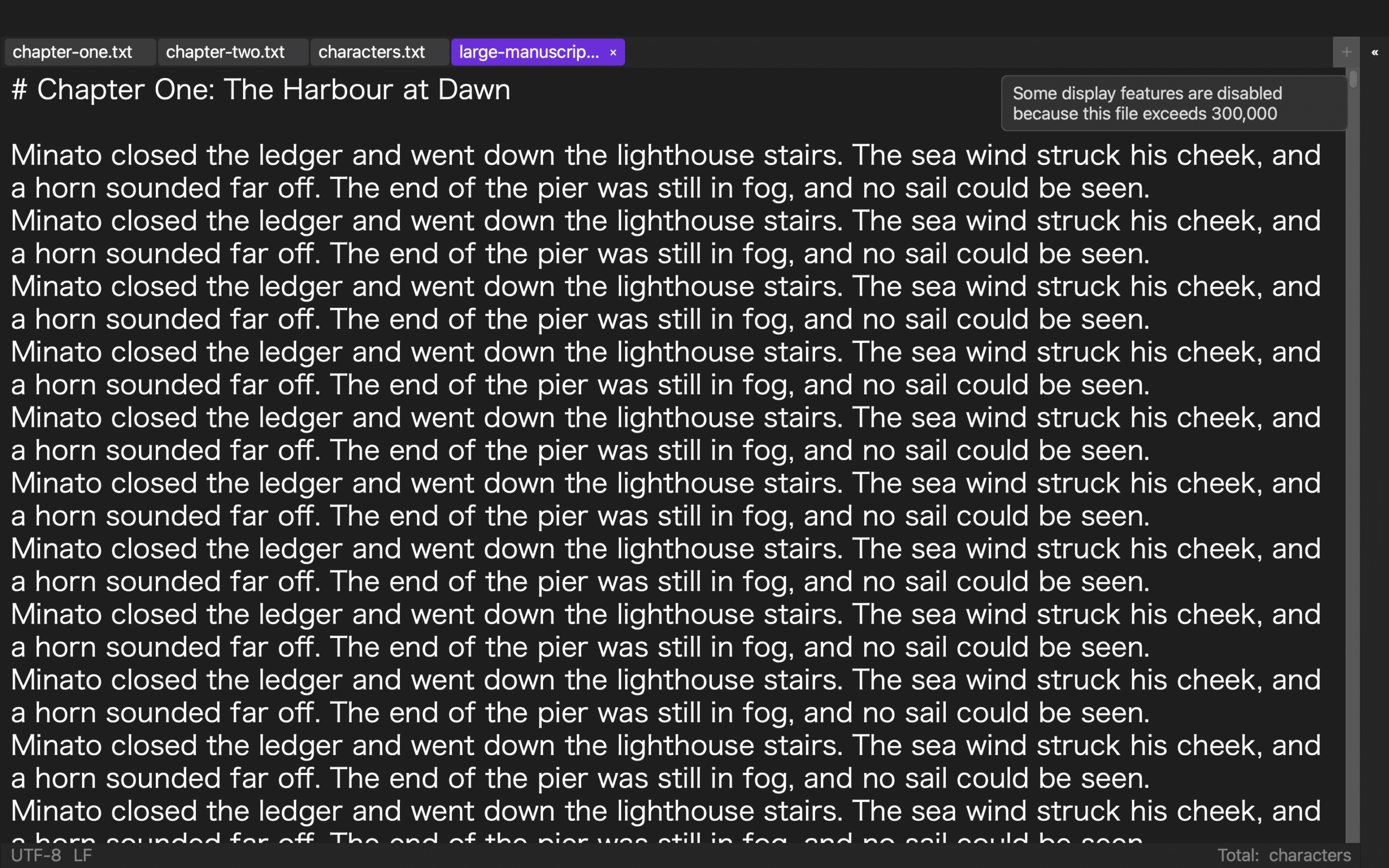
Current Rune Studio documentation for Mac says that files at 300,000 characters or more suspend expensive display processing, including Markdown and EPUB syntax coloring, invisible-character marks, same-word and registered-word highlights, line numbers, and continuous character counting.
The documented retained scope includes text editing, in-file search and replacement, half-width-character search, saving and automatic saving, cursor movement, and character-encoding error checks. A notice identifies the reduced state and the related menu items are disabled. That information supports a one-file, split, or hold decision based on the user’s next task.
These are documented capabilities, not a completed route on large-route-copy.md and not a speed guarantee. Run the route on an identifiable copy and check the reopened result before deciding that one-file work is safe for your manuscript.
Keep threshold comparison and contextual replacement separate
A three-file comparison at 299,999, 300,000, and 919,514 characters measures the boundary itself. This article does not measure that threshold. It begins with a copy already known to be in large-file scope and chooses a route for the next editorial task.
A contextual replacement test inside one 450,000-character manuscript reads twelve old-form occurrences, changes ten, and preserves two quotations. This article does not classify replacement targets. Its center is the edit-search-save-reopen route and the decision between one-file work and chapter working copies.
Conclusion: choose a continuation route, not a survival table
On an identifiable copy already above 300,000 characters, write one editing task. Return through a chapter ID and prose clue, change one sentence, save separately, reopen the same artifact, and verify the result. Translate every suspended display aid into either a workable substitute or an unmet requirement.
Continue in one file when all four destinations and required substitutes work. Split into chapter working files when the current phase needs an aid unavailable in the large file. Hold when saved content or the reduced-state reason remains unverified. Review the current Mac feature scope on the Rune Studio product page and choose the route from the next task rather than from a threshold evidence table.